How to schedule sending WhatsApp messages
In short
How to schedule sending WhatsApp messages using SendApp, programming marketing with whatsapp, sending messages to all whatsapp customers and other address books
How to schedule sending WhatsApp messages. Are you going to send messages to certain contacts at specific times and days, but are you afraid to forget them?
This is the official app of Whatsapp dedicated to those who own their own business, thus allowing them to communicate more effectively with customers by scheduling the sending of messages.
SendApp – schedule WhatsApp campaigns on the official API
With SendApp you connect your WhatsApp number to Meta’s official API through Meta’s guided sign-up, in a few minutes. If you use the WhatsApp Business app, you can keep using it on your phone.
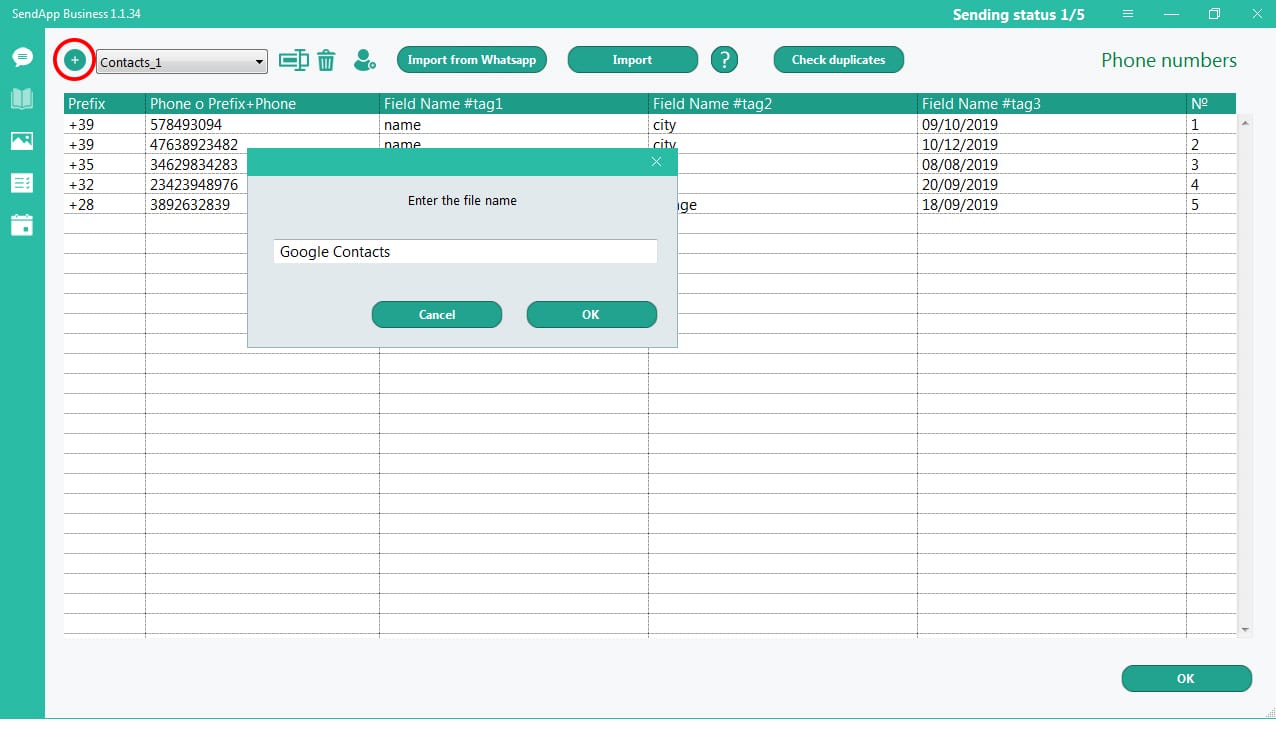
From there you prepare the campaign: import contacts from a CSV file, organise them with tags, choose a Meta-approved template and personalise the message with the recipient’s name or other variables. Reply freely within 24 hours of the customer’s last message; to start a conversation you use Meta-approved templates, which you can create in SendApp.
SendApp – how to get started
Here are the steps to follow:
- Connect WhatsApp to the official API from Applications → WhatsApp Meta (connection guide)
- Import your contacts and assign tags
- Create the template and submit it to Meta for approval
- Create the campaign and choose recipients, day and time of sending (campaign guide)
Auto Reply with SendApp
Thanks to SendApp you can set automatic replies and also interact with users thanks to commands that, once configured, allow the customer to request various information, receive real-time support, subscribe or delete from the mailing list, receive offers and promotions, and so on away on.
Here are the reasons why you should try SendApp:
✔ Automatically save the name and number of users who send a message to your Whatsapp account
✔ Automatically send welcome messages and confirmation of registration
✔ Set commands to automate the sending (dynamic menu)
✔ Send text messages and multimedia messages with text, images, links and emojis
✔ Create dynamic menus in a simple and intuitive way
✔ Allows the user to unsubscribe
✔ Import and export customer data (name and number)
✔ Track all events (messages received and sent) in the & #8220 section & log & #8221;
✔ Ability to customize all automatic messages and translate them into your language (from the & #8220; Settings & #8221; menu)