How to send WhatsApp messages using Zapier?
In short
Zapier is one of the powerful automation tools that connects multiple services. At the moment, Zapier doesn't have a native integration for sending WhatsApp messages. With SendApp it is now possible to send WhatsApp messages with Zapier integrating them into your workflow.
Zapier is one of the powerful automation tools that connects multiple services.
At the moment, Zapier doesn't have a native integration for sending WhatsApp messages. With SendApp now it is possible to send WhatsApp messages with Zapier integrating them into your work flow.
You can now use the Zapier Webhooks feature to send WhatsApp messages to your users.
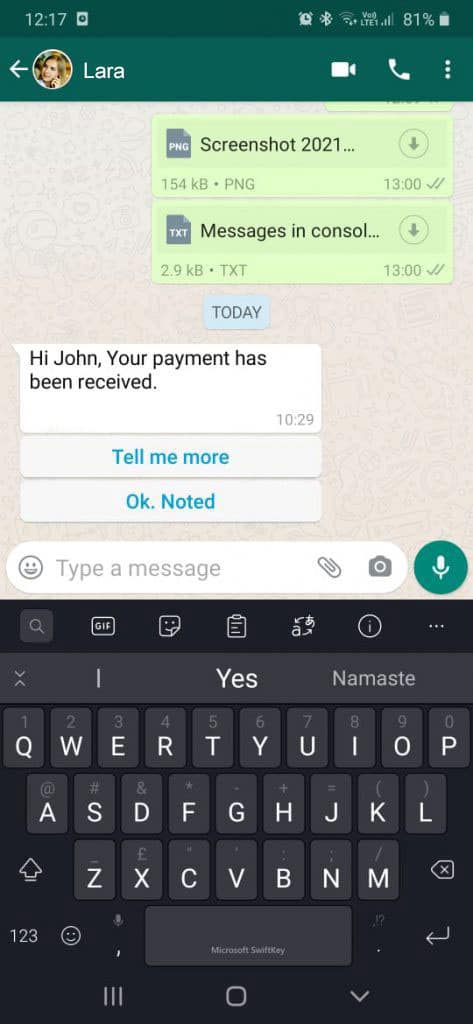
In this article, we talk about how you can configure Zapier to send a WhatsApp message to your incoming contacts, sales notifications, or any other whatsapp message.
Prerequisites:
Zapier Webhook account to send WhatsApp messages
Note: You must have an account SendApp you can try the free version for
Let's start with the integration steps yes SendApp on Zapier
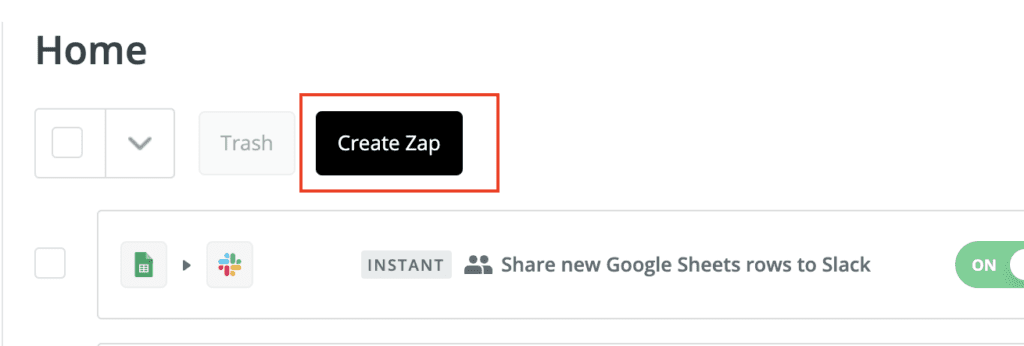
Step 1: on the "Zap" page of your Zapier account, click on "Create Zap"
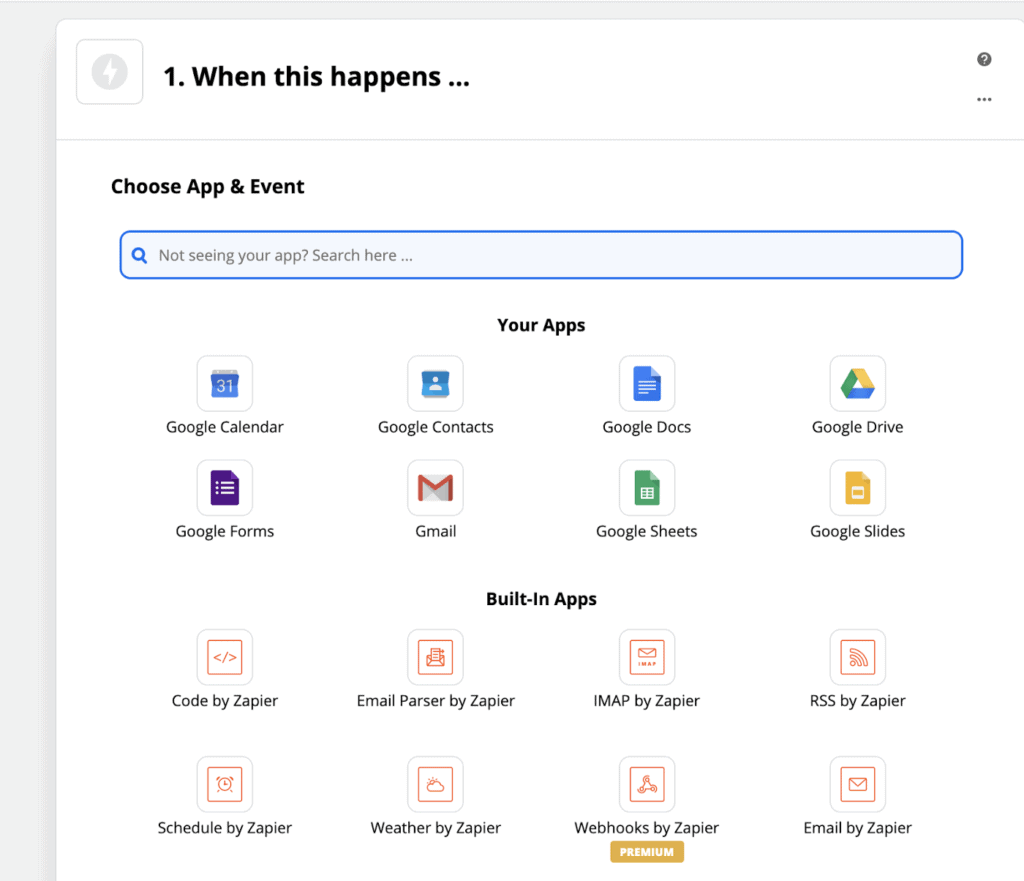
Step 2: Choose the event trigger app
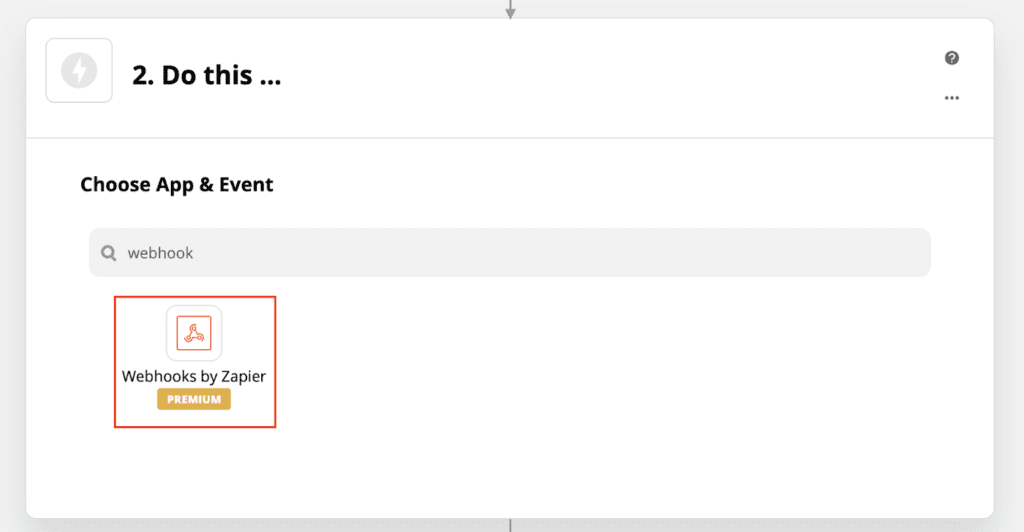
Step 3: in "Do this", choose "Zapier Webhook"
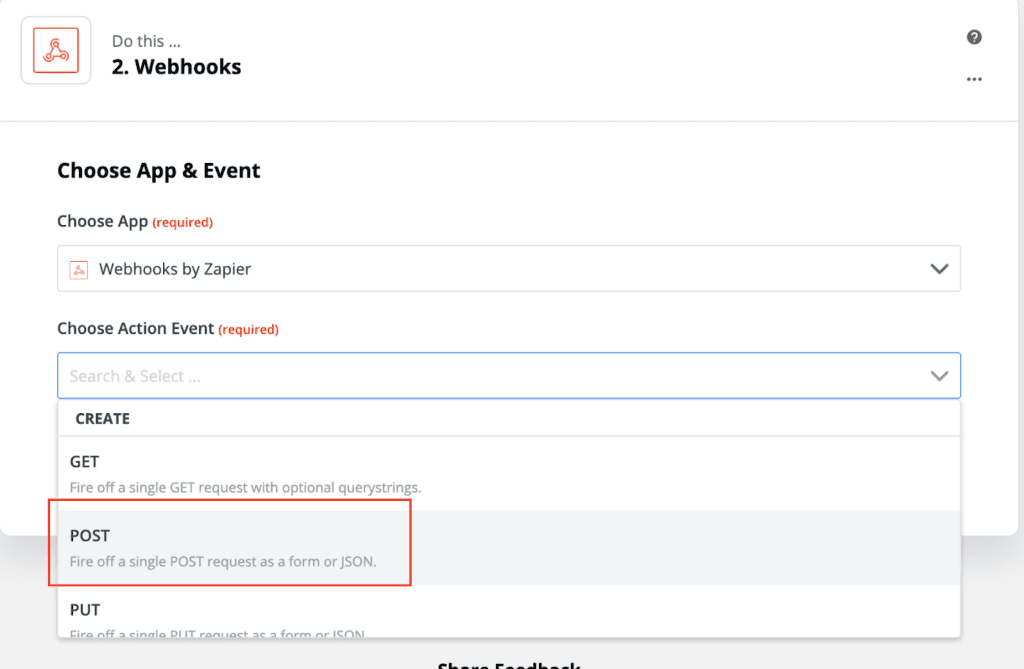
Step 4: in "Choose action events", select "POST"
Step 5: customize your request
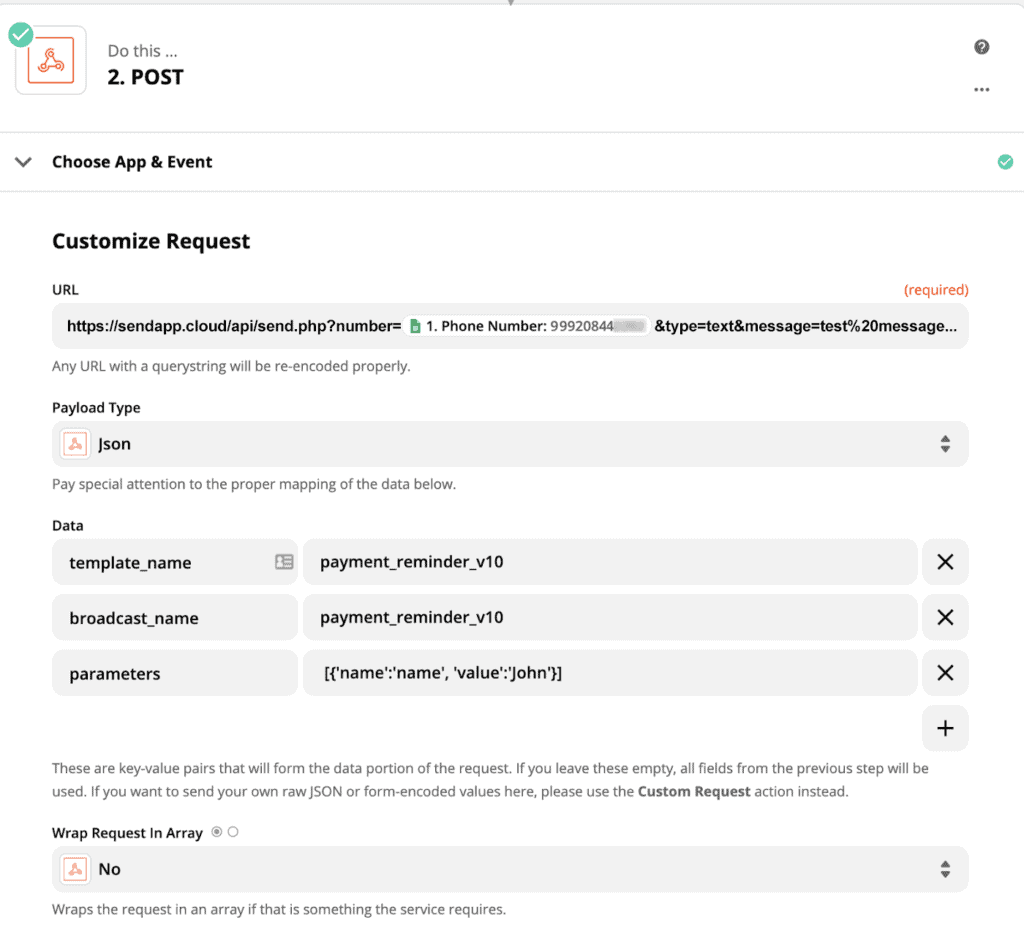
Go to the documentation of SendApp for get and post calls "API documents“.
Choose payload type like Json
Add the following parameters in Data
Model name
broadcast_name
parameters
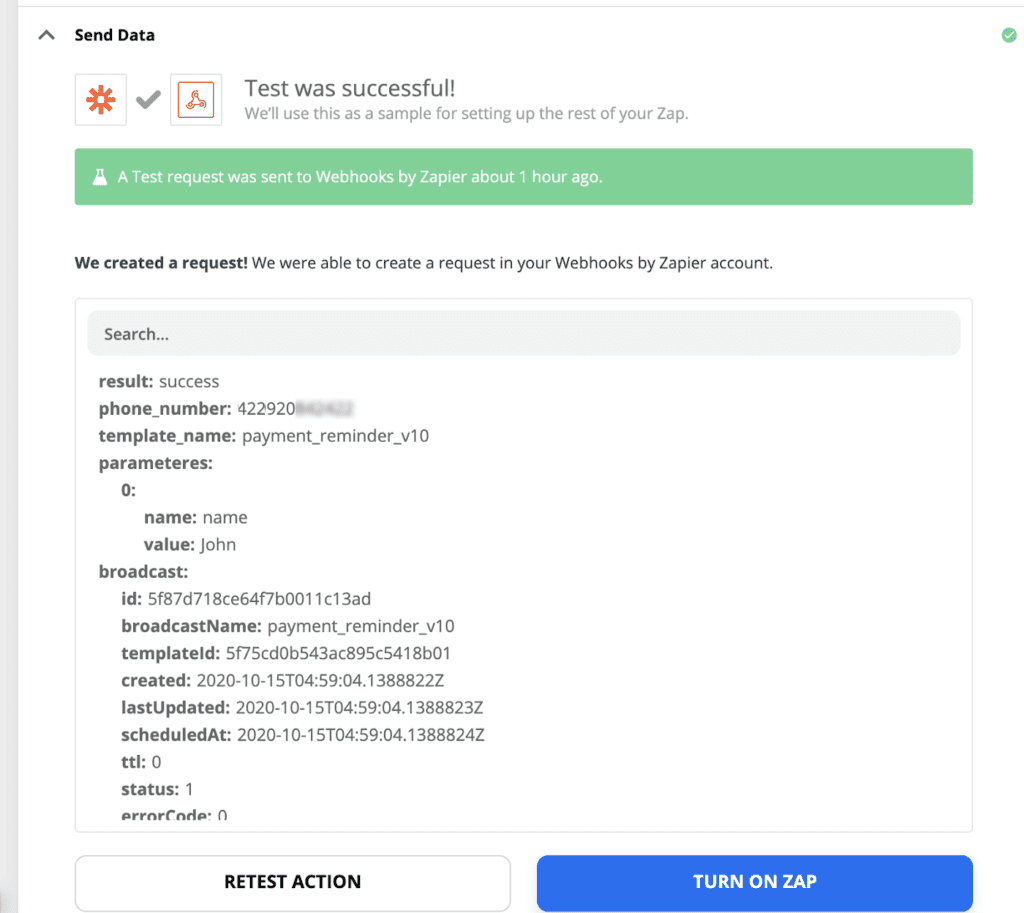
Step 7: test your Zap and turn it on
How to get access to SendApp?
You need to register at SendApp and your WhatsApp API will be immediately available,
you will have of trial before you can choose your plan.
You can use this link to register: https://app.sendapp.ai/register