Why WhatsApp is the fastest channel to acquire and activate customers
When someone writes to you on WhatsApp, they're not "opening a ticket": they're starting a conversation. And in conversations, speed, clarity, and the ability to take immediate action are key. This is why WhatsApp Business has become a key channel for acquiring new contacts, converting them into customers, and leading them to activation (i.e., the first real use of your service or the first completed purchase).
In Italy, we see it every day: users prefer to request a quote, confirm an appointment, send a document, or receive a payment link directly via chat, avoiding endless emails or time-consuming calls. For businesses, however, simply "using WhatsApp" isn't enough: they need to do it professionally, traceably, and scalably.
This is where it comes into play SendApp: a platform designed to transform WhatsApp Business into a system of marketing automation is Conversational AI, with multi-operator inboxes, automated workflows, integrations, and reporting. In this article, we look at how certain types of businesses manage to grow on WhatsApp and how you can replicate the same model with practical Italian examples.
From "Homemade" Chat to Growth Machine: The Most Common Problems
Many businesses start with WhatsApp Business on one or more company phones. It works as long as volumes are low. Then comes the usual blocking:
- Uneven experience: the customer receives messages from different numbers and does not understand who is following him.
- No visibilityConversations remain on individual operators' devices. If one person is away, the chat stops.
- Repetitive activities: standard responses, document requests, reminders, follow-ups… everything manual.
- Slow response times: when the chat “explodes”, the minutes (or hours) of waiting increase, and conversions drop.
- Untracked dataIt's difficult to understand which campaigns bring in leads, which messages convert, and which stages of the funnel cause contacts to be lost.
The solution isn't just "hiring more people": it's creating a process. With WhatsApp Business and SendApp, you can design a conversational journey where automation and human agents work together, maintaining a human tone while eliminating unnecessary work.
Use Case 1: Consulting and Professional Services (Italian-style “Contalink” model)
Imagine a firm that supports SMEs and professionals (accountants, labor consultants, invoicing software houses, and companies that handle Chamber of Commerce procedures). The client writes on WhatsApp to:
- ask for information about services;
- send documents;
- receive deadlines and reminders;
- obtain output (e.g. reports, documents, certifications) without entering a portal.
The typical problem: each consultant manages their own number, and the quality of the experience depends on the individual. With SendApp, you can transform WhatsApp into a scalable "front office.".
Multi-operator inbox: one number, one experience
With a’shared inbox You can merge all conversations to an official WhatsApp Business number. Your team can see the history, assign chats to the right colleagues, add internal notes, and work with clear SLAs.
Practical example (Italy): A payroll company receives 200 inquiries a day. Automatic tag assignment (e.g., "URGENCY," "NEW LEAD," "ACTIVE CUSTOMER") reduces downtime and prevents a customer from going unanswered because they "wrote to the wrong person.".
WhatsApp Marketing Automation Workflow: Qualification and Activation
The leap in quality comes when you automate repetitive steps:
- Qualification questions (sector, number of employees, urgency, city);
- Document collection with guided messages;
- Reminder for sending missing data;
- Follow up automatic if the contact does not respond.
Practical example (Italy): “"Would you like a quote for accounting management?" → the flow asks for VAT number, tax regime, number of monthly invoices and automatically sends a proposal with a price range and a link to schedule a call. If the user doesn't complete the request, after 2 hours a friendly message appears with a "Resume where you left off" button.
Integrations and APIs: Frictionless in-chat actions
When you connect WhatsApp to your systems (CRM, management, e-commerce, helpdesk), the chat becomes operational. With the WhatsApp API you can:
- retrieve the status of a case;
- send a document automatically;
- update a profile;
- generate payment links or order confirmations.
Practical example (Italy): A fee management software allows the customer to type "SEND NOVEMBER REPORT" and receive an updated PDF in response. The result: fewer tickets, greater satisfaction, and greater retention.
Use Case 2: Beauty salons, gyms, and medical practices (WhatsApp bookings)
For local businesses, the goal is simple: turn a request into a booking. WhatsApp is perfect because users text on the go and want immediate results.
Automation for availability, confirmations, and no-shows
With SendApp you can set a path like this:
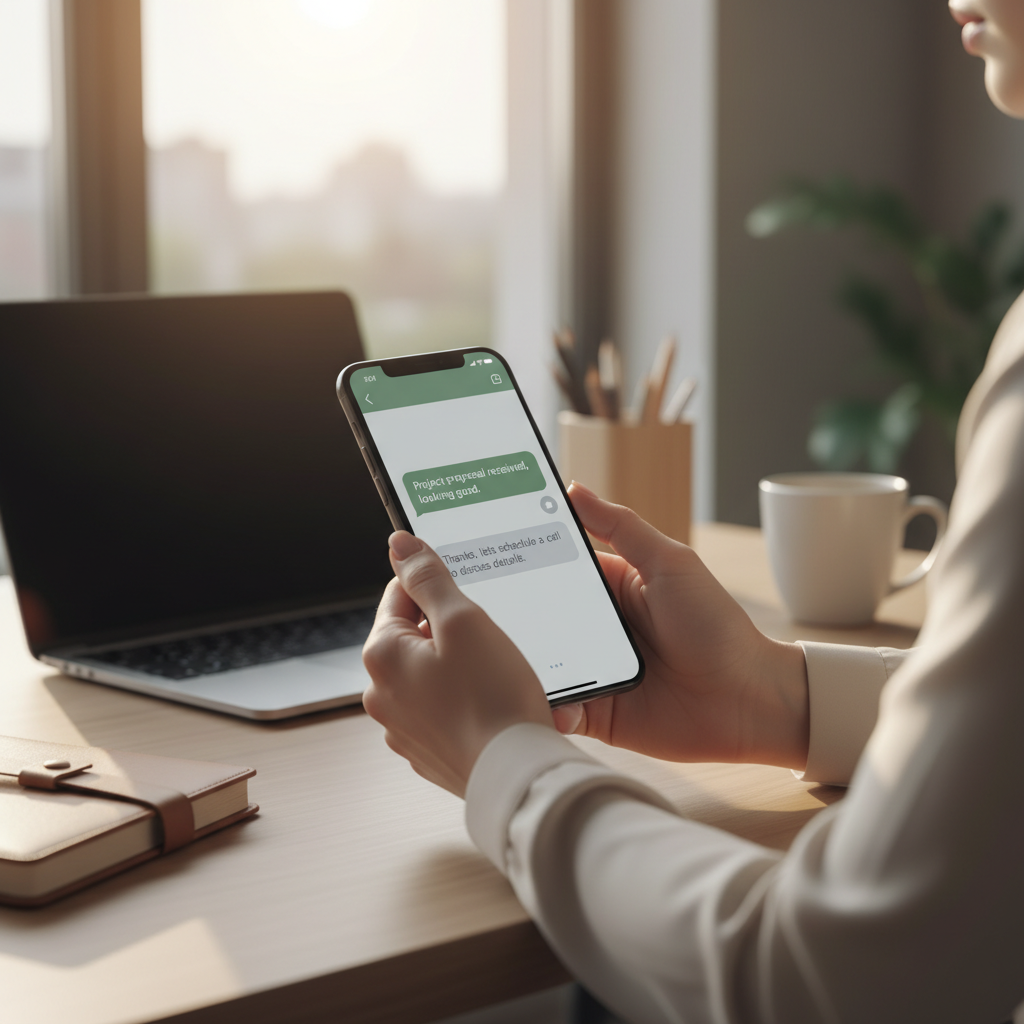
- welcome message with shortcuts: “Book”, “Prices”, “Where we are”, “Speak to an operator”;
- information gathering (service, preferred day, time);
- automatic confirmation and reminder 24/24 hours in advance;
- Post-appointment message requesting a review and upsell proposal.
Practical example (Italy): A physiotherapy center in Milan reduces no-shows by sending reminders with "Confirm" and "Move" buttons. Those who click "Move" enter a flow that suggests new time slots, without clogging up the answering machine.
Segmentation: Clean Lists and Relevant Communications
WhatsApp isn't a megaphone: it's a personal channel. Sustainable growth depends on clear segments:
- new contacts vs. returning customers;
- interested in a specific service;
- customers who have been inactive for 60/90 days;
- contacts who asked for information but did not book.
Practical example (Italy): A gym sends a targeted campaign only to former members with an automated 1:1 message: "Want to come back? We have a 48-hour return promotion for January." Higher conversions than generic newsletters.
Use Case 3: eCommerce and Retail (Order, Support, and Repurchase)
In commerce, WhatsApp can cover the entire cycle: pre-sale, purchase, post-sale, and repurchase. The key is to orchestrate conversations and automations without losing control.
Cart recovery and pre-purchase support
Many users abandon orders because they have a simple question: size, delivery time, return. With a WhatsApp flow, you can capture that uncertainty and have an agent intervene only when needed.
Practical example (Italy): An apparel e-commerce site sends an automated message 30 minutes after abandonment: "Need help with sizing? Reply with 'HELP.'" If the user asks, conversational AI suggests a size based on height/weight and, if necessary, passes the chat to a representative.
Transactional and post-sale notifications that reduce tickets
With WhatsApp you can send useful updates (always in compliance with the policies and consents):
- order confirmation;
- shipment tracking;
- instructions for use;
- Quick assistance with FAQs and operator support.
Practical example (Italy): An electronics store sends a message with "Quick Start Guide + Video" after delivery. Result: fewer repeat requests and more positive reviews.
Conversational AI on WhatsApp: When to Use It (and When Not to)
Conversational AI is not meant to “replace” the team, but to:
- instantly answer frequently asked questions;
- qualify leads with intelligent questions;
- recover cold contacts with contextual messages;
- summarize conversations and suggest next action to the operator.
With AI Chatbot Integrated, you can set up an assistant that maintains a consistent tone, uses your business information (price lists, policies, catalogs) and manages escalations to a human when the request is complex or sensitive.
Practical scenario: real estate agency
An agency receives dozens of requests: "Price?", "Square meters?", "Can we visit on Saturday?" AI can:
- ask for budget and area;
- propose 2-3 properties based on preferences;
- book a visit (or pass the chat to an agent);
- send automatic follow-ups with new availability.
Result: more appointments scheduled and less time spent on generic requests.
Metrics that matter: what to measure for real growth
To transform WhatsApp into a growth channel, measure a few but correct metrics:
- First response time: below 5-15 minutes the conversion rate changes.
- Qualification rate: how many leads complete the initial questions.
- Activation rate: how many arrive at the first appointment/purchase/product action.
- Chats resolved without an operator: indicator of effective automation.
- Conversion rate per segmentTargeted campaigns beat “to everyone” messages.
A good system with SendApp allows you to combine conversations and data, so you don't work "by feel" but continuously optimize funnels and messages.
Checklist: How to Get Started with WhatsApp Business Automation in 7 Days
Day 1-2: Structure and Compliance
- define a unique number and a consistent identity;
- collect consents and update information;
- map the 20 most frequently asked questions.
Day 3-4: Inbox and Routing
- activate multi-operator inbox;
- create tags and assignment rules;
- prepare quick response templates.
Day 5-6: Core Automations
- welcome + menu choices;
- lead qualification;
- reminder and follow-up.
Day 7: Conversational AI and Improvements
- activate an AI chatbot for FAQs;
- define when to switch to the operator;
- Set up weekly reports on time and conversions.
How SendApp can help you
SendApp offers complete solutions to manage WhatsApp Business professionally and efficiently:
- SendApp Official – Official WhatsApp Business API for bulk sending and automation
- SendApp Agent – AI chatbot with integrated ChatGPT for intelligent automatic responses
- Request a free consultation – Talk to an expert to find the ideal solution