VoIP CRM Integration: Why Context (Really) Matters Today
“"CRM VoIP integration" may sound like IT jargon. It actually describes a very real need: offering customers seamless conversations, where every contact (WhatsApp, email, web chat, and call) is part of the same story.
It happens every day in Italy: a customer writes on WhatsApp Business asking for a quote, then sends an email with an attachment, then calls because they're urgent or haven't received a response in time. If the operator doesn't immediately see what was said, the call begins with the classic "Can you repeat that?" and trust is eroded. The result is more stress for the team, longer handling times, and a greater likelihood of losing the sale or a worsening experience.
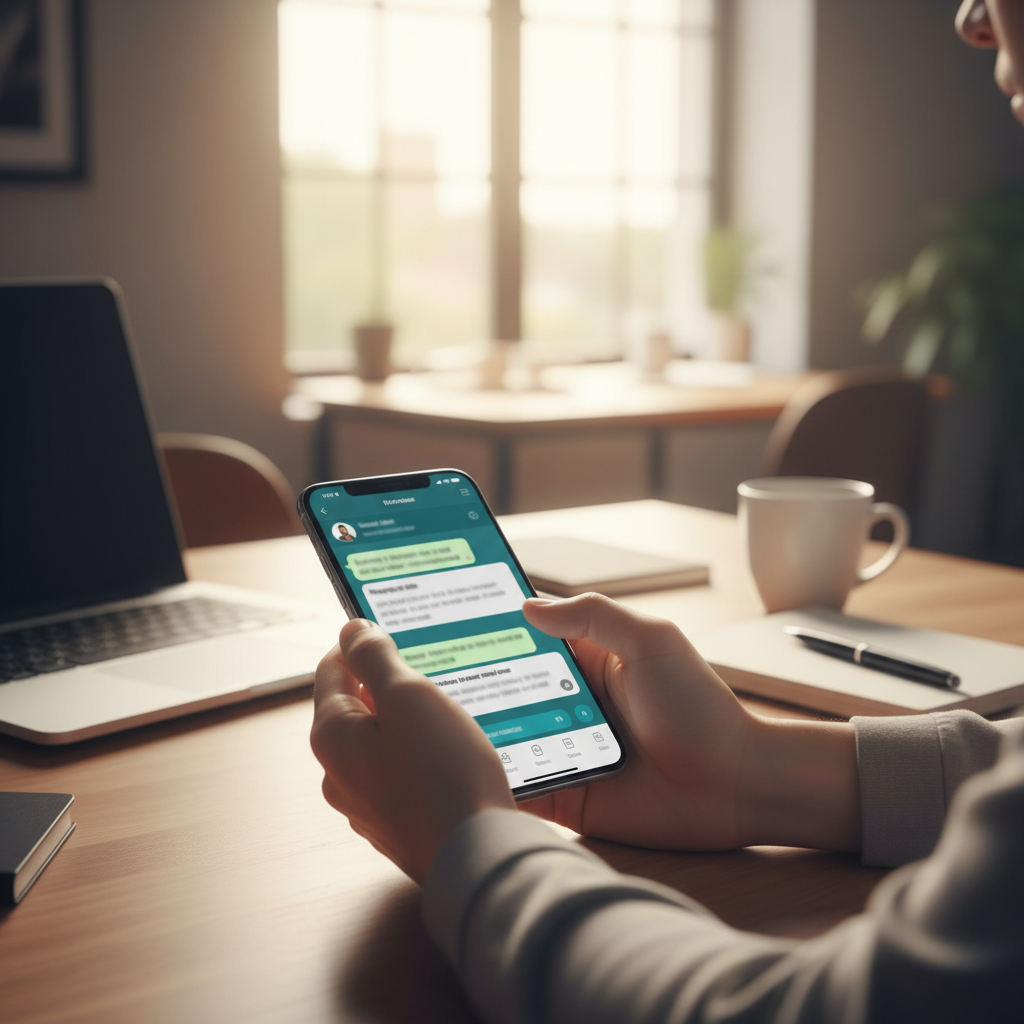
With a well-designed VoIP CRM integration and a conversational approach centered on WhatsApp, voice isn't just a separate channel: it becomes a key component that enriches the customer profile and triggers intelligent automations. In practice, every call can become a trigger for workflows, WhatsApp follow-ups, assignments to the right department, and even AI-assisted responses.
What is VoIP CRM Integration (in simple terms)
VoIP CRM integration connects your VoIP calling system to your CRM and digital conversations, so when a customer calls:
- the operator sees who he is (personal data, tags, segments, marketing consent);
- see complete history (WhatsApp Business messages, emails, chats, tickets and notes);
- can record outcomes and actions without copying/pasting across a thousand tools;
- can activate automations: reminders, follow-ups, sending documents, post-call surveys.
The point isn't "making more calls." The point is to make them better, at the right time, in the right context. And here WhatsApp Business plays a key role: it's often the channel where customers prefer to receive confirmations, documents, payment links, and quick updates after the call.
Why WhatsApp Business is the ideal bridge between voice and CRM
Voice is immediate and human; WhatsApp is fast, traceable, and perfect for automation. By combining the two worlds, you get a seamless experience:
- Before the call: on WhatsApp you can qualify the request with automatic questions (AI or bot) and collect useful data.
- During the call: the operator sees the history and immediately understands priority, tone and urgency.
- After the call: on WhatsApp you can automatically send a summary, quote, link, ticket, appointment, or NPS.
With SendApp, the approach is “one conversation”: instead of managing separate channels, you build a coherent flow where each interaction feeds the next.
5 concrete benefits of VoIP CRM integration with a focus on automation and AI
1) Centralized customer data in a single view
A customer can:
- write on WhatsApp “I would like information about the course”;
- fill out a form on the website;
- Call to check availability and prices.
Without integration, these touchpoints remain scattered, and each department only sees a single piece. With a single view, the operator already knows what has been requested, which products are of interest, and the negotiation status.
Italian example (gym/fitness)A gym in Milan receives 40 requests a day between WhatsApp and calls. By integrating VoIP and CRM, when a contact calls, the operator immediately sees: "They requested a free trial yesterday on WhatsApp, were interested in the weight room + Pilates class, and received a price list." The call becomes a closure, not a fresh start.
2) Faster resolution of complex cases thanks to complete history
Simple issues are often resolved over chat. Complex ones (refunds, faults, urgent deliveries, disputes) end up over the phone because empathy and speed are needed. But without a history, the operator wastes minutes reconstructing the issue.
With the history at hand, the operator enters the call knowing:
- what was promised;
- which documents were sent;
- what attempts at solutions have already been made;
- if the customer is a “VIP” or has an open ticket.
Italian example (e-commerce)A customer from Turin calls upset about a late package. The operator sees that the AI had already requested the order number on WhatsApp the day before and that the tracking number indicates the package is undelivered. Within 30 seconds, the operator suggests a solution: reship or pick up at a designated location, and sends a link with instructions on WhatsApp. Less stress, more control.
3) Trust and perceived quality: “I already know you”
Trust is built when the customer feels continuity. It's not magic: it's context. When an agent responds with, "I saw your request on WhatsApp yesterday, let's talk about the quote I sent you," everything changes. The customer feels cared for, not managed.
Italian example (professional studies)An accounting firm receives requests on WhatsApp for VAT registration. After a consultation call, SendApp can automate the sending of the document checklist via WhatsApp, with quick buttons ("Upload Document," "Book Appointment," "Speak to a Consultant"). The client sees a clear and professional process.
4) Post-call automations: follow-ups, documents and payments without chasing
Many opportunities are lost After The call: the operator promises to send information, the customer waits, then becomes cold. With marketing automation on WhatsApp, every call outcome can trigger a flow:
- automatic sending of summary (short text + key points);
- sending a quote or brochure;
- payment link or deposit;
- reminder if you don't respond within 24/48 hours;
- satisfaction survey (NPS/CSAT) and review request.
Italian example (clinics and medical centers)After a call to schedule an appointment, a WhatsApp message is automatically sent with the date/time, address on Google Maps, documents to bring, and preparation instructions. If the patient doesn't confirm, an automatic reminder reduces no-shows.
5) Conversational AI: Less downtime, more consistency, more conversions
Conversational AI isn't just for "answering for operators." It's for:
- qualify requests before calling (budget, urgency, category);
- suggest responses and next steps during management;
- handle FAQs and repetitive requests 24/7 on WhatsApp;
- standardize follow-ups with a tone and content consistent with the brand.
Italian example (travel agency)The customer writes on WhatsApp, "I'd like a weekend in Barcelona." The AI collects dates, number of people, budget, and preferences. If a complex request arises, a call is suggested. When the operator calls, they already have everything: the call lasts less and closes faster. Immediately afterward, SendApp sends three proposals on WhatsApp with "I'm interested," "Change budget," and "Speak to a consultant" buttons.
Operational Strategy: How to Design a Voice + WhatsApp + CRM Flow
Integrating isn't just about "connecting tools." It means designing a path. Here's a practical framework that can be replicated in many Italian companies.
Step 1: Define when to use WhatsApp and when to use calls
- Whatsapp: simple requests, updates, sending documents, confirmations, follow-ups, non-urgent assistance.
- VoIP Call: emergencies, negotiation, emotional cases, escalations, complex onboarding, recovery of hot customers.
Step 2: Create useful CRM tags and fields (not too many)
To run automation and AI, you need minimal but reliable data. Examples of fields:
- Reason for contact (assistance / quote / return / appointment)
- Status (new / in progress / waiting for customer / closed)
- Priority (low / medium / high)
- Marketing consent (yes/no)
- Product/service of interest
Step 3: Automate standard follow-ups
Three high-impact automations:
- Preventive follow-up: If they don't respond within 24 hours after calling, send a reminder on WhatsApp with a clear CTA.
- Missed call recovery: If the call goes unanswered, send a WhatsApp message: “You called us, how can we help you?” with quick options.
- Aftercare: after closing the ticket, send a survey and a quick guide (FAQ or video) to reduce recontacts.
Step 4: Use WhatsApp templates to scale accordingly
When you need to proactively contact customers (for example, after a call or for updates), WhatsApp templates help maintain quality and compliance. With SendApp, you can structure clear messages with variables (name, order, appointment) and buttons (confirm, pay, book).
Italian Use Cases: 4 Ready-to-Apply Scenarios
1) Car dealership: from the call to the confirmed test drive
The lead arrives on WhatsApp from a click-to-chat campaign. The AI collects the model, budget, and trade-in. If the lead is hot, the salesperson calls. After the call, an automatic WhatsApp message is sent with:
- test drive date/time
- address
- necessary documents
- “Confirm” button”
Result: fewer missed appointments and a cleaner pipeline.
2) Technical assistance (boilers/air conditioners): reduction of intervention times
The customer writes on WhatsApp, sending a photo of the error and its location. If necessary, the operator calls to determine the urgency. After the call, SendApp sends the summary and the repair window to WhatsApp, with the option to share the location with a tap. Result: fewer wasted trips and more repairs per day.
3) Training school: conversion from information to registration
Request on WhatsApp, AI suggests dates and a schedule. If the contact asks, "I'd rather talk about it," the call is initiated. Call outcome: "Interested, installment plan required." Automation: Send payment links, installment options, and FAQs via WhatsApp. Result: fewer manual follow-ups and more registrations closed within 48 hours.
4) Catering with events: management of reservations and confirmations
For events (New Year's Eve, tastings), you get a lot of calls. After each call, SendApp sends a booking confirmation, deposit, and policy via WhatsApp. If you don't pay within a specified time, you receive an automatic reminder. The result: fewer "blocked" tables and more guaranteed revenue.
Common Mistakes to Avoid (and How to Overcome Them)
Manage voice and WhatsApp as two separate worlds
If the call doesn't update the contact's status, you'll lose continuity. Solution: Always define a call outcome and an automated follow-up action.
Too aggressive automations
WhatsApp is personal. Excessive or generic messages increase blocking and unsubscriptions. Solution: Segment, personalize, and use clear CTAs.
AI without rules
An AI that responds "randomly" can create false promises. Solution: instructions, a controlled knowledge base, escalation to the operator, and approved templates.
Quick Checklist: Are you ready to integrate VoIP, CRM, and WhatsApp?
- Have you defined which requests go in chat and which in calls?
- Do you have a unique customer profile with conversation history?
- Do you have standard call outcomes (tags/statuses) to trigger workflows?
- Do you have WhatsApp templates ready for follow-ups and confirmations?
- Do you have a chatbot/AI for qualifying and triaging, with human escalation?
If you answered “no” to one or more questions, that’s okay: it just means there’s room to quickly improve efficiency and conversions with a tailored strategy.
How SendApp can help you
SendApp offers complete solutions to manage WhatsApp Business professionally and efficiently:
- SendApp Official – Official WhatsApp Business API for bulk sending and automation
- SendApp Agent – AI chatbot with integrated ChatGPT for intelligent automatic responses
- Request a free consultation – Talk to an expert to find the ideal solution