WhatsApp Business Security: How to Protect Your Account and Conversations
WhatsApp Business Security It's now a top priority for businesses and professionals who use the app to communicate with customers. WhatsApp Business security is being challenged by new, increasingly sophisticated phishing campaigns that exploit legitimate features of the app to take control of accounts.
In recent months, cybercriminal groups—including pro-Russian actors, according to several industry analyses—have begun using advanced techniques to bypass the defenses of WhatsApp and other messaging apps like Signal. These include abusing the "Connected Devices" feature and using QR codes and malicious links to trick victims into granting unauthorized access to their profiles.
WhatsApp Business Security: Abuse of the "Connected Devices" Feature“
One of the most critical elements for the WhatsApp Business Security This is the "Connected Devices" feature. This feature allows users to access the app from a secondary device, such as a tablet or computer, without necessarily having to keep the primary smartphone always online.
Cybercriminals are exploiting this very feature to take control of victims' accounts. Through targeted phishing campaigns, they trick users into performing actions that, in effect, authorize the connection of a new device to their WhatsApp or WhatsApp Business profile, without them realizing it.
Unlike Signal—where access from a new device has stricter sync limits—in WhatsApp, this compromise allows attackers to access users' entire conversation history. For WhatsApp Business users, this means exposure of customer chats, sensitive data, order information, payments, and internal processes.
To delve deeper into the concept of phishing and its variants, it is useful to refer to the detailed definition available on Wikipedia, so as to understand the context in which these attacks take place.
Malicious QR Codes and Malicious Links: The New Face of Phishing on WhatsApp
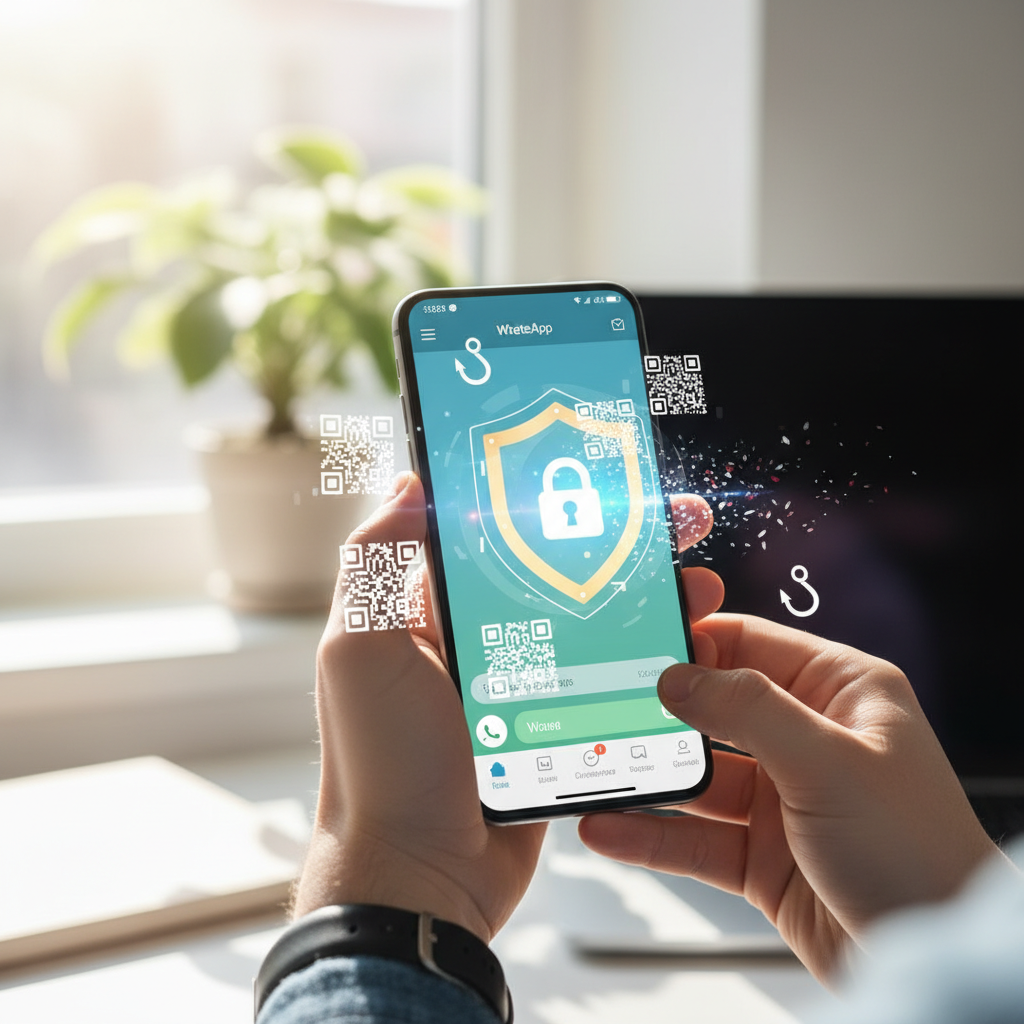
The most recent phishing campaigns target the WhatsApp Business Security By exploiting users' usual behavior: scanning QR codes and clicking on seemingly legitimate links. On WhatsApp and other platforms, cybercriminals send messages that mimic official or urgent communications, prompting the victim to verify their account or confirm access.
In many cases, the victim is tricked into scanning a malicious QR code, which actually authorizes a new device to access their account. In other scenarios, simply clicking a malicious link leads to fake login pages, which collect credentials or six-digit verification codes used to register a WhatsApp account.
Once they gain access, criminals can:
- Take complete control of your WhatsApp or WhatsApp Business account.
- Access your chat history, including messages with customers and suppliers.
- Send messages to the victim's contacts, propagating the phishing campaign.
- Request payments, sensitive data, or security codes while pretending to be the company.
There Europol and other European cybersecurity agencies have repeatedly reported the increase in attacks exploiting QR codes and instant messaging, underlining the need to train users and companies in good security practices.
WhatsApp vs. Signal: What's New for Security?
To better understand the risks to the WhatsApp Business Security, it's useful to compare WhatsApp's approach with that of other platforms like Signal. Both use end-to-end encryption to protect messages in transit, as detailed in general encryption guidelines, such as those found in the’ENISA (European Union Agency for Cybersecurity).
The key difference that emerged in recent attack campaigns concerns the management of connected devices and history synchronization. In the case described, abusing WhatsApp's multi-device functionality allows attackers to gain broader and more persistent access to data than with Signal, where structural limitations make it more difficult to replicate the entire history on a new device.
For a company using WhatsApp Business, this means that a single operator error—such as scanning a suspicious QR code or clicking a phishing link—can potentially expose years of conversations with customers and partners. The attack surface is therefore broader, requiring clear internal procedures and more sophisticated control tools.
Best practices to strengthen WhatsApp Business security
To mitigate risks and improve the WhatsApp Business Security, Companies should adopt a combination of training, internal policies, and appropriate technology tools. The first step is to raise awareness among all employees about the importance of not scanning QR codes from unverified sources and not clicking on suspicious links received via chat or email.
Some good operating practices include:
- Always verify the origin of messages that require urgent account action.
- Check the “Connected Devices” list in the app regularly and disconnect unknown ones.
- Enable notifications and security alerts, where available.
- Limit the number of people who have direct access to your primary WhatsApp Business accounts.
- Use certified solutions and official partners to manage business accounts.
Additionally, it's essential to have an incident response plan: clear procedures on what to do in the event of a compromise, how to quickly notify customers, and how to restore account security with minimal impact to the business.
WhatsApp Business Security: Impact on Marketing and Business
There WhatsApp Business Security It's not just an IT issue, but a strategic factor for marketing and business. WhatsApp Business has become a key customer communication channel: it's used for promotional campaigns, customer support, sending notifications, and managing orders and payments. A breach on this channel has a direct impact on trust and reputation.
From a digital marketing perspective, a compromised account can generate:
- Fraudulent messages sent to customers in the company's name.
- Requests for money or sensitive data that damage the brand's credibility.
- Confusion in ongoing campaigns and disruption of automation.
The customer experience is severely impacted: customers who receive suspicious or malicious communications tend to lose trust, report the account, and, in many cases, terminate business relationships. This makes it crucial to integrate WhatsApp Business security policies into your communications strategy and marketing plan.
Marketing automation and integrations with CRM and e-commerce systems must also be designed with security at the forefront. Customer onboarding procedures, notification flows, and nurturing campaigns must include clear messages about how the company officially communicates and what actions the customer should never perform (e.g., sharing security codes or PINs).
How SendApp Can Help with WhatsApp Business Security
To manage the professionally WhatsApp Business Security, it's helpful to rely on a specialized platform like SendApp, which integrates advanced automation tools and secure messaging channel management. The goal is to minimize risk exposure, centralize controls, and ensure structured management of corporate accounts.
With SendApp Official (official WhatsApp API) Businesses can use the official WhatsApp API in a controlled and certified environment, reducing the use of unmanaged accounts and informally linked devices. This helps limit the scenarios in which cybercriminals can exploit QR codes or malicious links to compromise accounts.
SendApp Agent It allows you to manage team conversations, with defined roles and permissions, tracking who accesses what and when. This structured approach reduces the risk of human errors, such as incautious scanning of unknown QR codes, and allows you to apply internal security policies consistently across all operators.
For companies that want to push automation while maintaining high WhatsApp Business Security, SendApp Cloud It offers a scalable cloud infrastructure with centralized logging, monitoring, and integration with other enterprise systems. This allows you to implement secure automated workflows, control access, and respond quickly to anomalies.
By combining these tools with clear guidelines for staff and ongoing training on the risks of phishing, QR codes, and malicious links, companies can transform WhatsApp Business from a potential weakness into a secure, high-performance communication channel. To learn how to strengthen the security of your accounts and optimize your WhatsApp campaigns, visit the website. SendApp and request a dedicated consultation or a free trial.