WooCommerce Product Stock Integration with SendApp Agent
Complete step-by-step operating guide
This guide describes the new feature in detail Product Stock of SendApp Agent, designed to connect a WooCommerce site to the chatbot and allow the AI to respond in real time about product availability and prices.
The content is structured to be inserted directly into the page Help of SendApp Agent.
Function Overview
The function Product Stock allows you to:
-
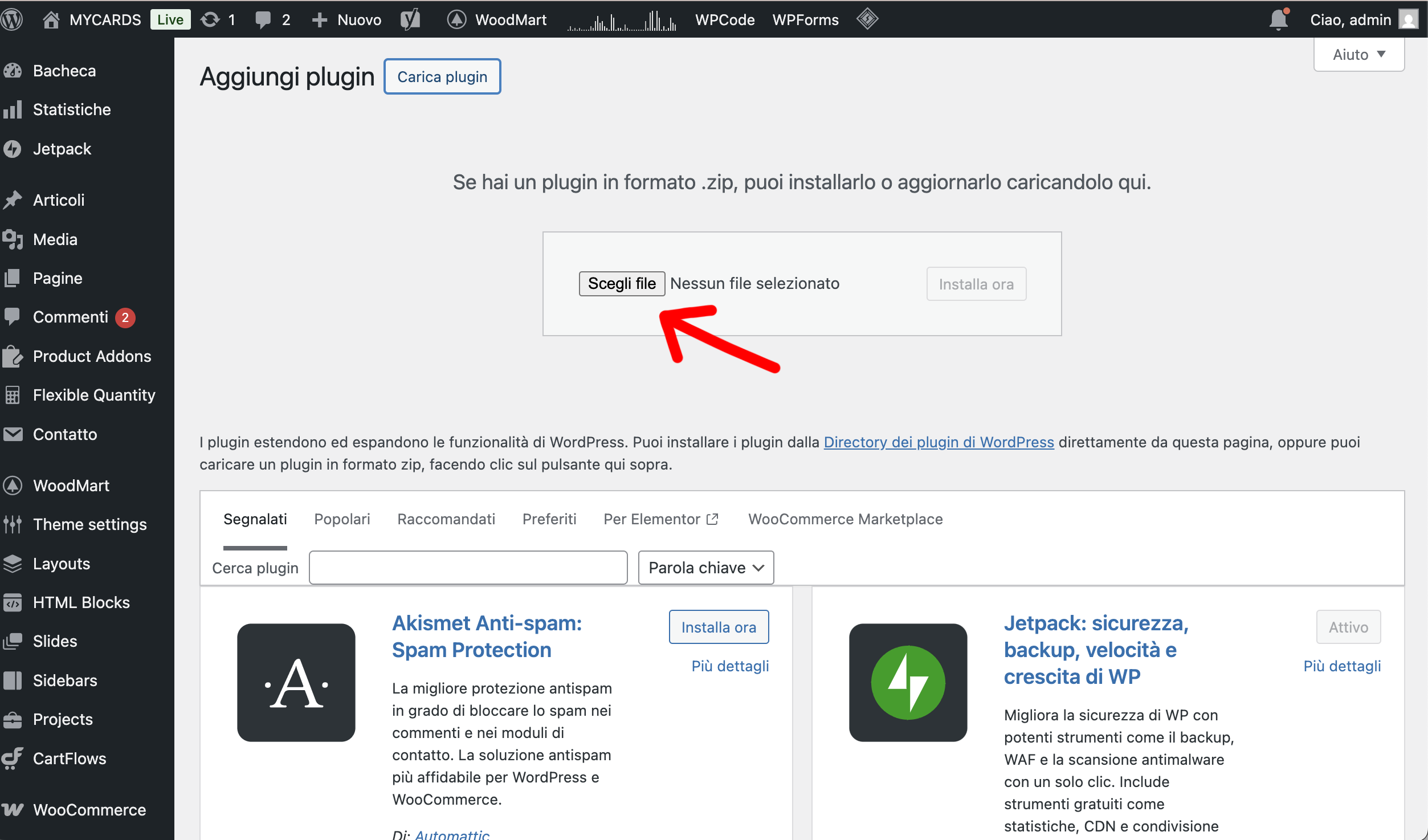
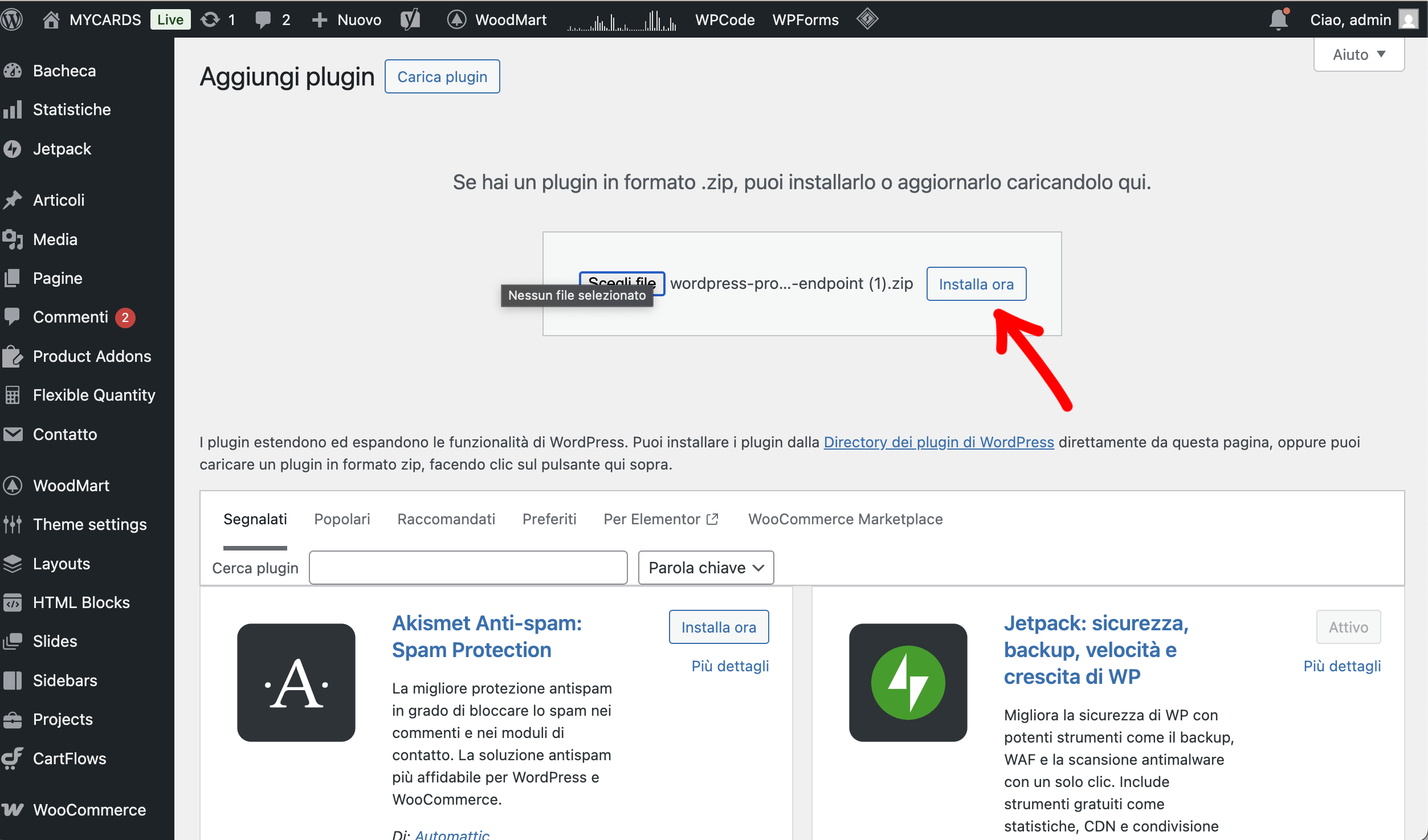
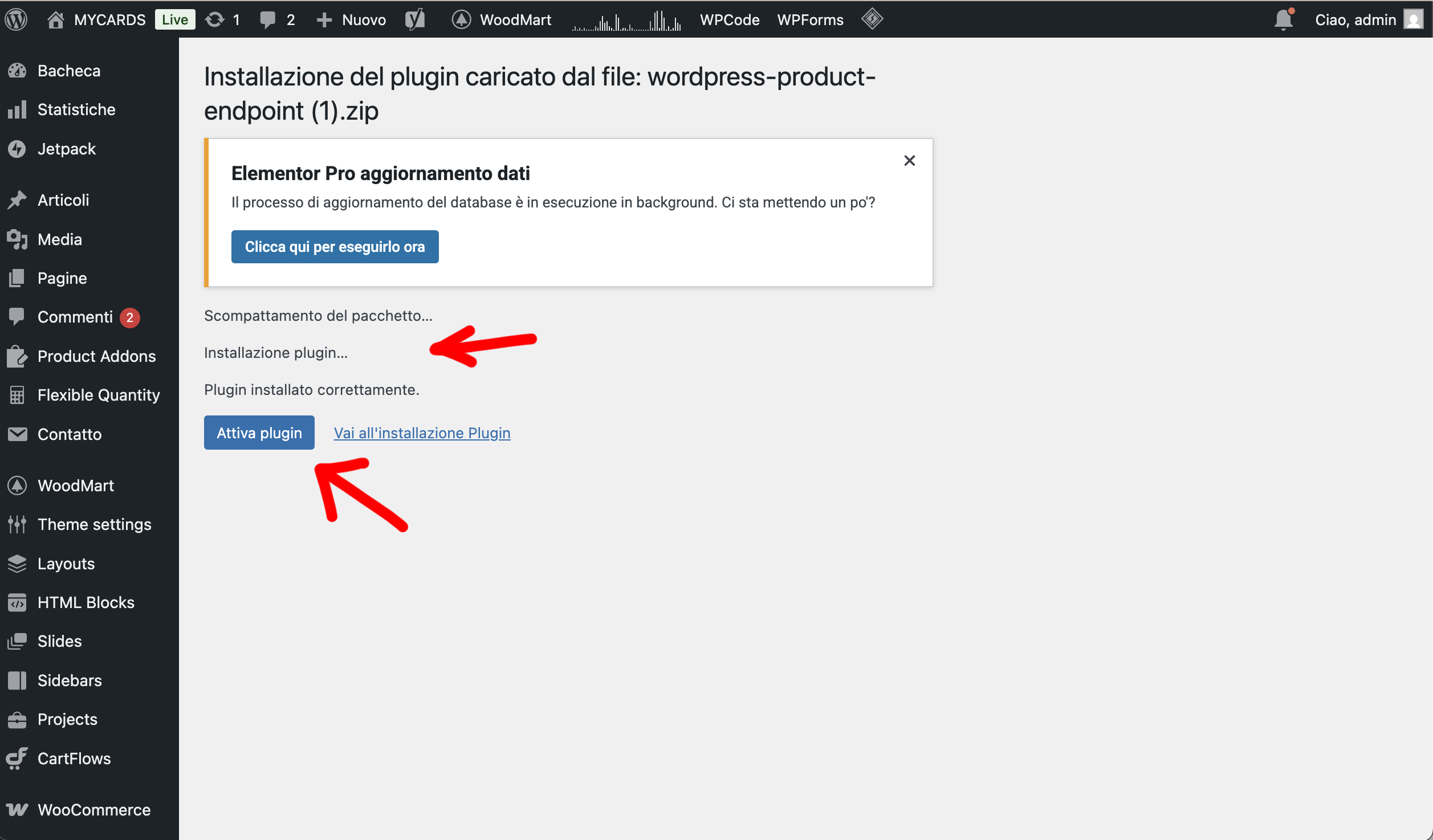
Connect WooCommerce to SendApp Agent using a dedicated plugin
-
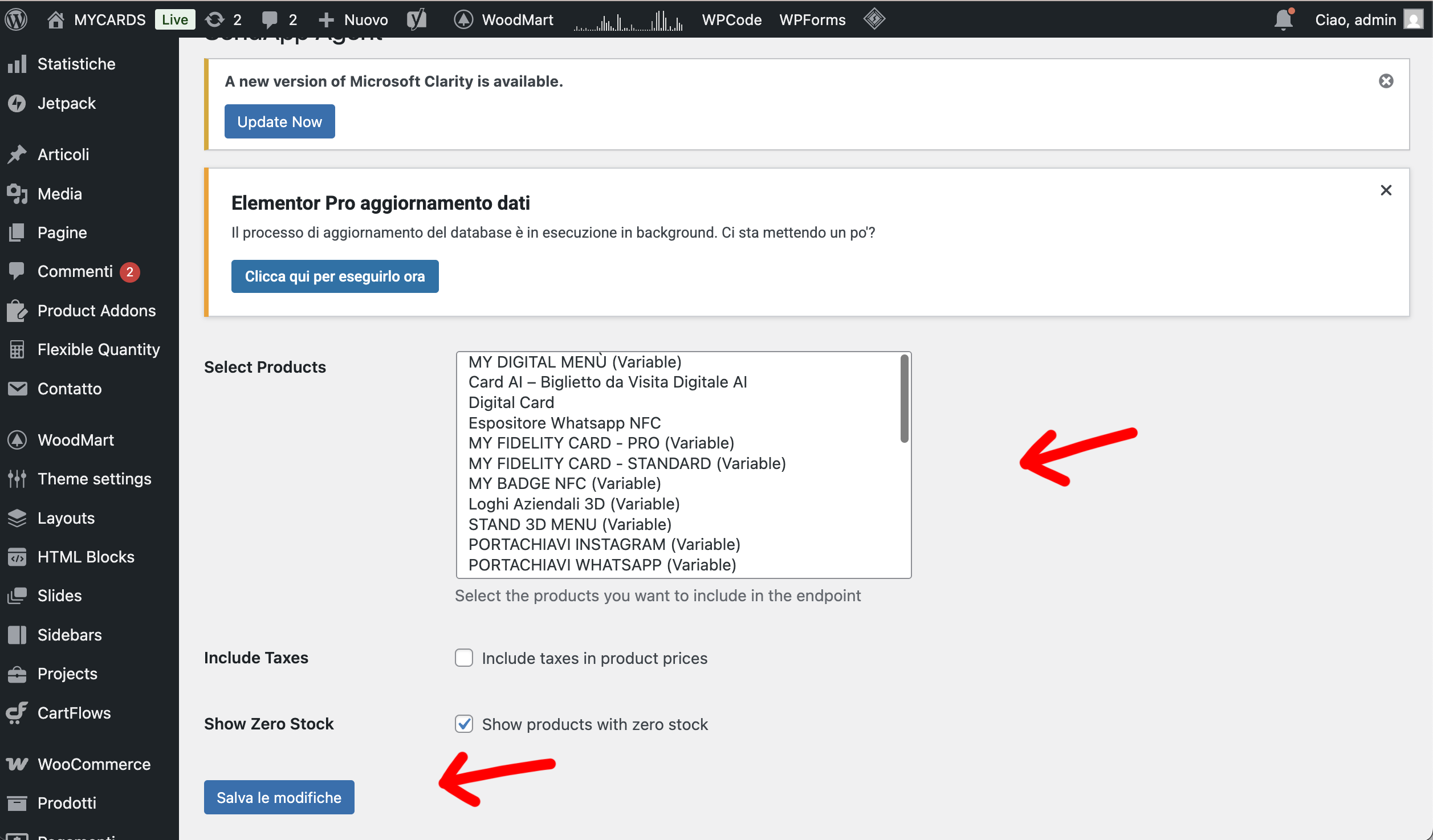
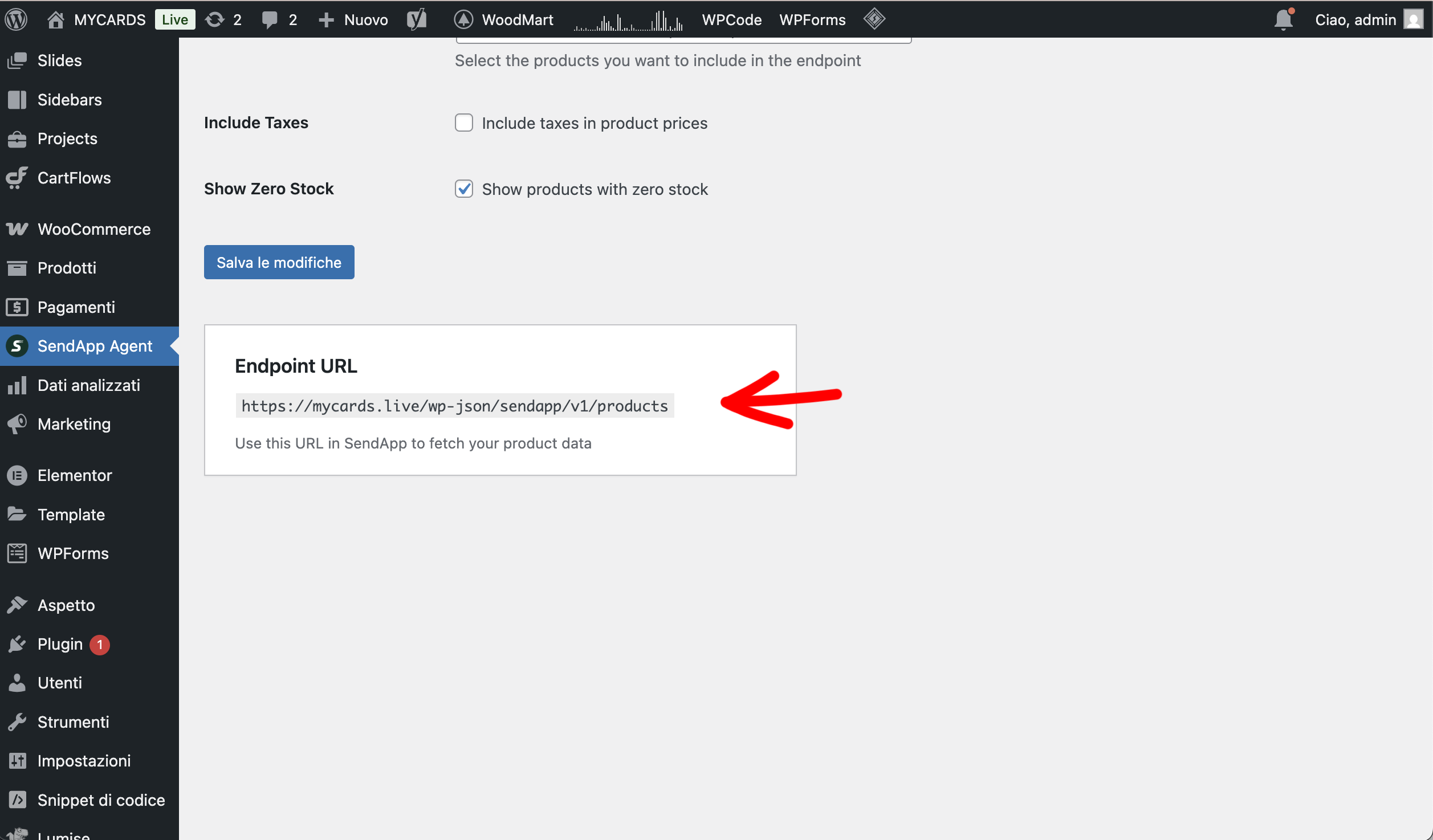
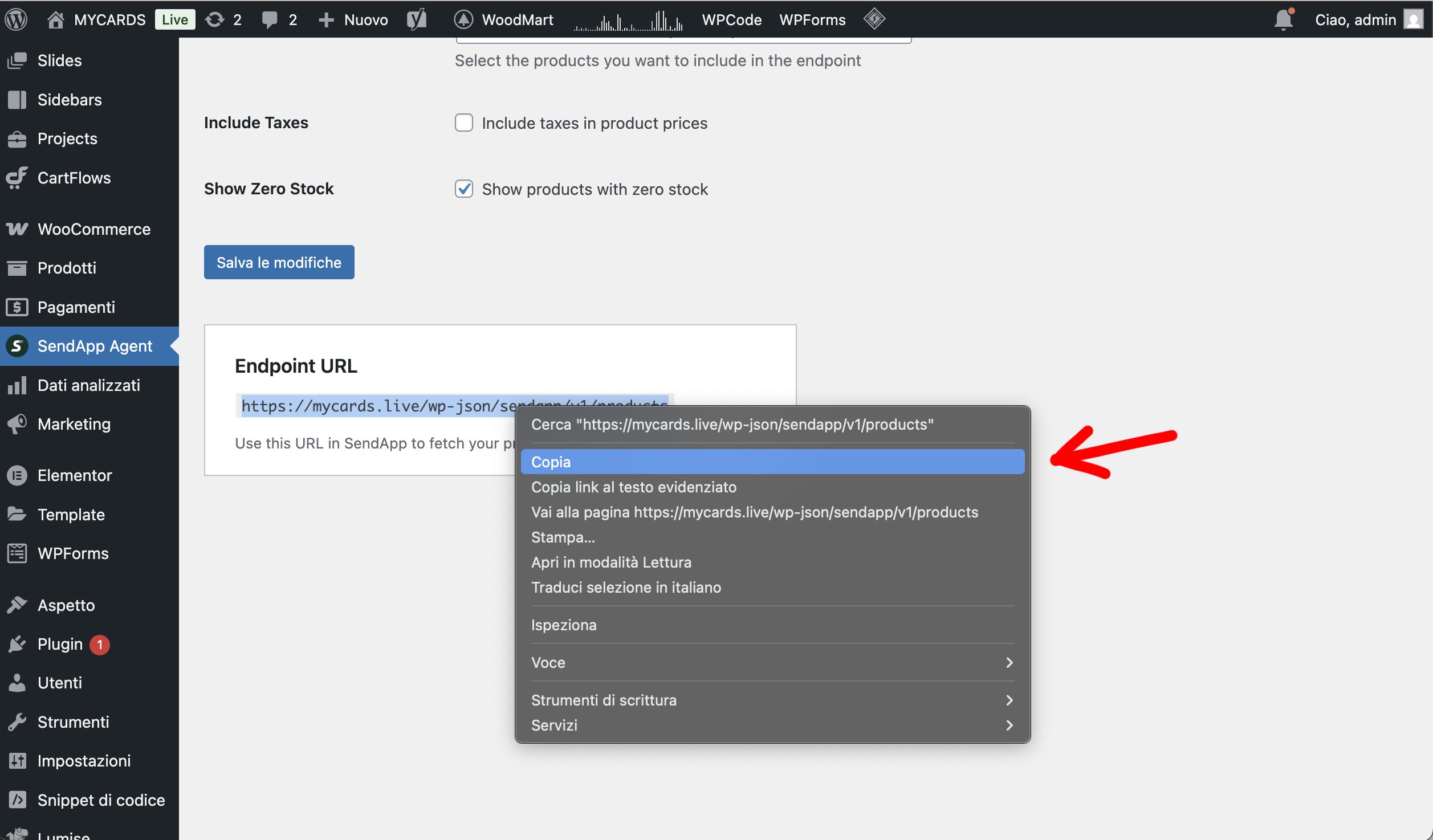
Expose a JSON API endpoint with product data
-
Allow the chatbot to query stock in real time
-
Provide automatic and always up-to-date responses to users
The fields returned by the endpoint are:
-
Product Name
-
Available quantity
-
Price
1. Activating the Product Stock app on SendApp Agent
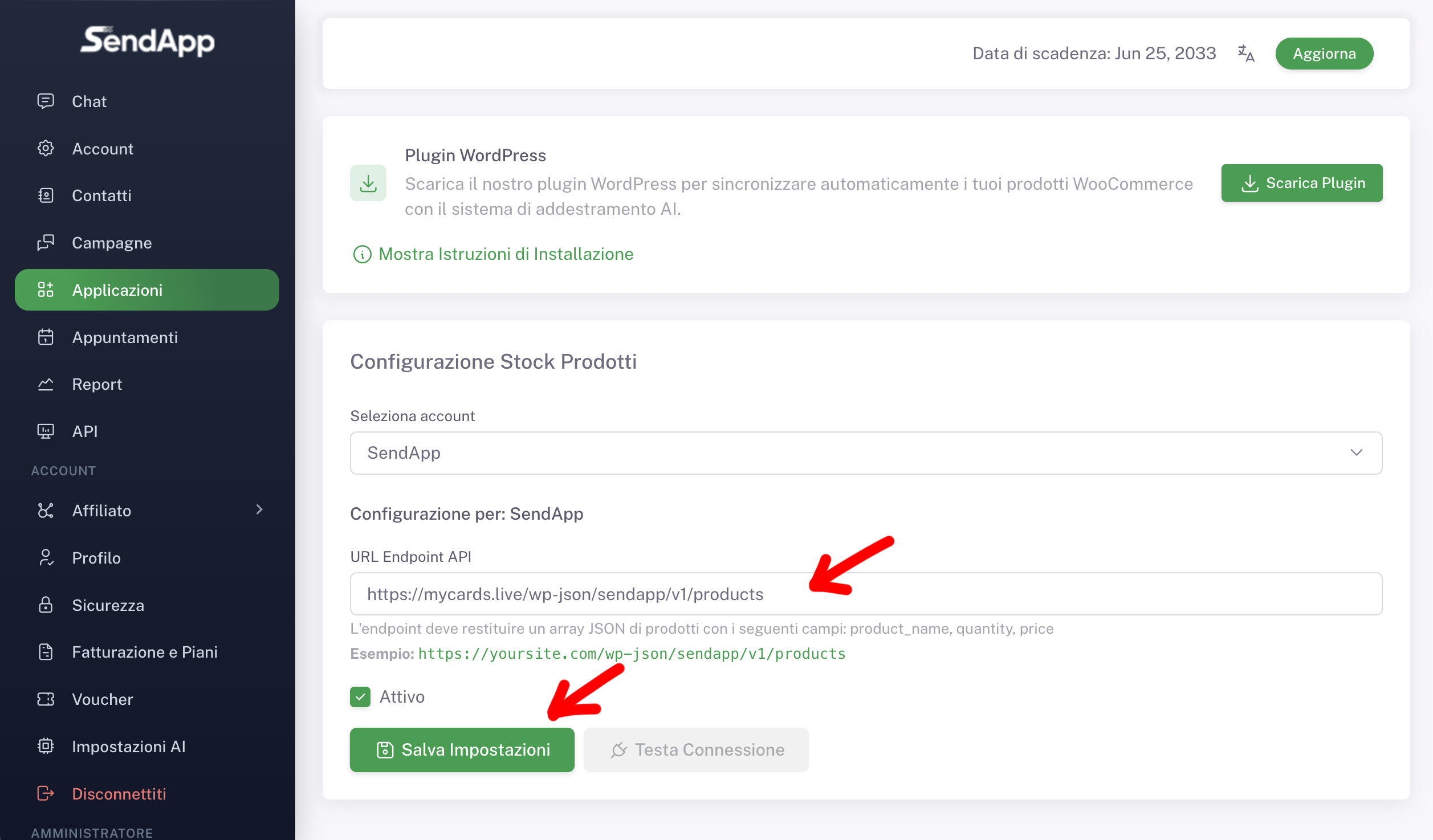
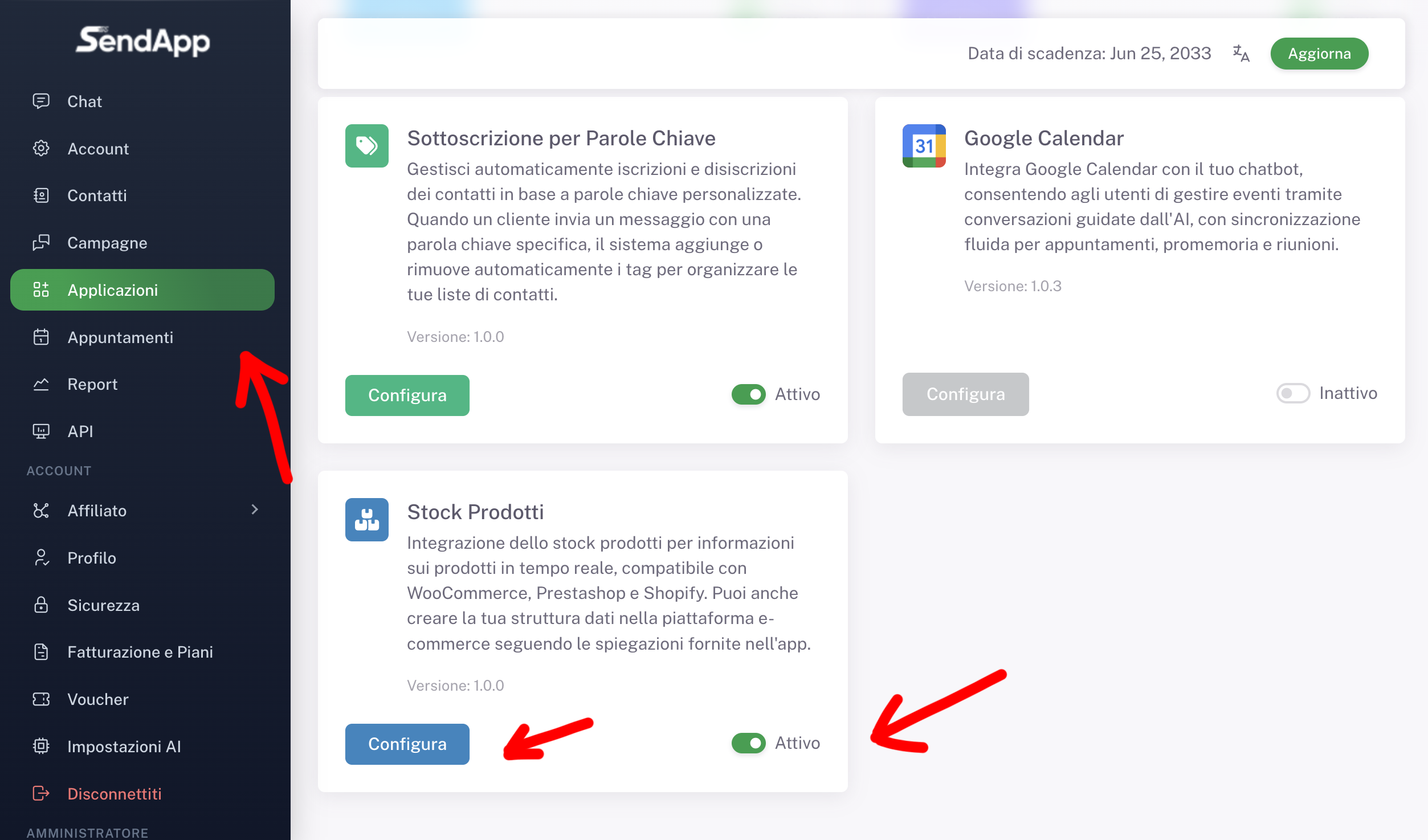
Access the dashboard SendApp Agent and from the side menu select Applications.
Locate the app Product Stock and click on Configure.
Please verify that:
-
The app is set to Active
-
The correct account is selected in the configuration
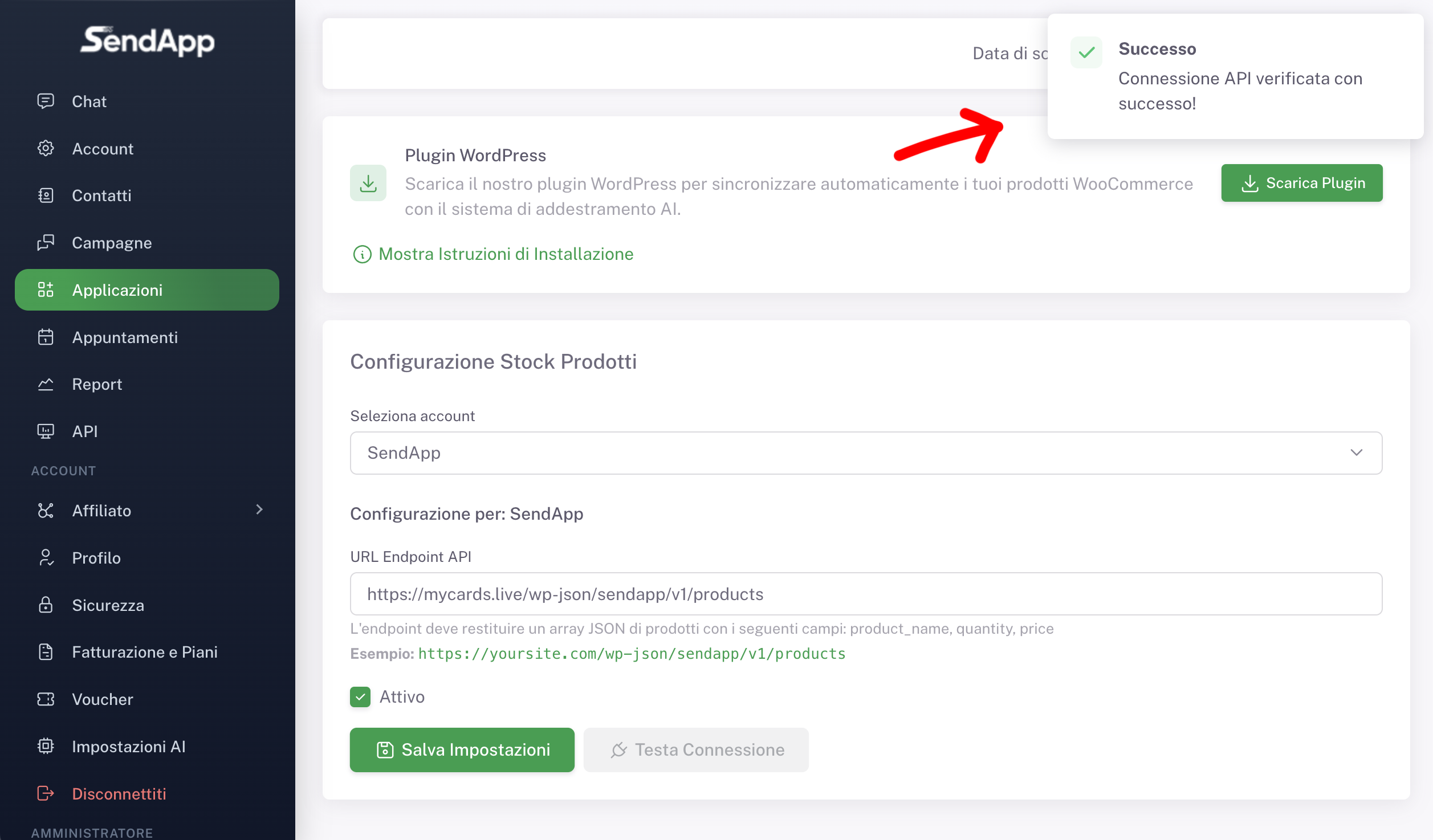
This operation enables the connection section with WordPress and WooCommerce.
2. Download the WordPress plugin
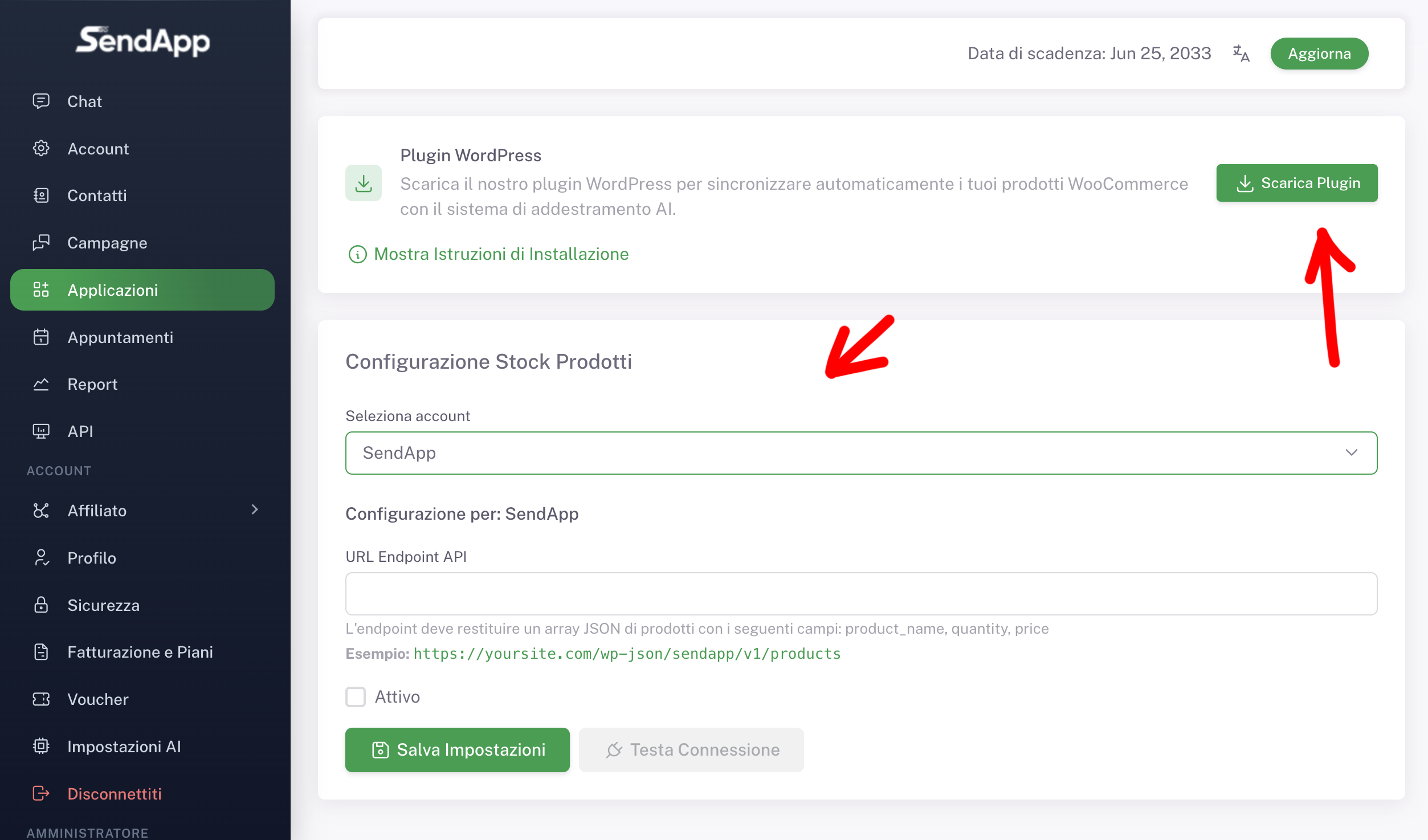
Inside the Product Stock configuration there is the section WordPress plugins.
From here:
-
Click on Download Plugin
-
Wait for the message confirming that the download has started successfully.
The downloaded file is a WordPress plugin in . .zip, required to generate the products endpoint.