

ARTIFICIAL INTELLIGENCE
WhatsApp Marketing with the’AI
Train your WhatsApp chatbot with custom content: URLs, text, PDFs, sitemaps. AI responds to customers with always-accurate information about your business.
ARTIFICIAL INTELLIGENCE
Train your WhatsApp chatbot with custom content: URLs, text, PDFs, sitemaps. AI responds to customers with always-accurate information about your business.
ADVANTAGES
An intelligent chatbot that learns from your content and continuously improves its responses to customers.
Train AI with your content for accurate answers about your business
Modify your answers and the AI learns instantly, improving over time.
URL, text, PDF and XML sitemap as a knowledge base
COMPLETE GUIDE
The platform allows you to train AI using various data sources to create a comprehensive and personalized knowledge base.
Available training sources:
You can use specific pages or entire websites as a knowledge base for your chatbot. The AI will process the content and use it to generate accurate, contextualized responses.
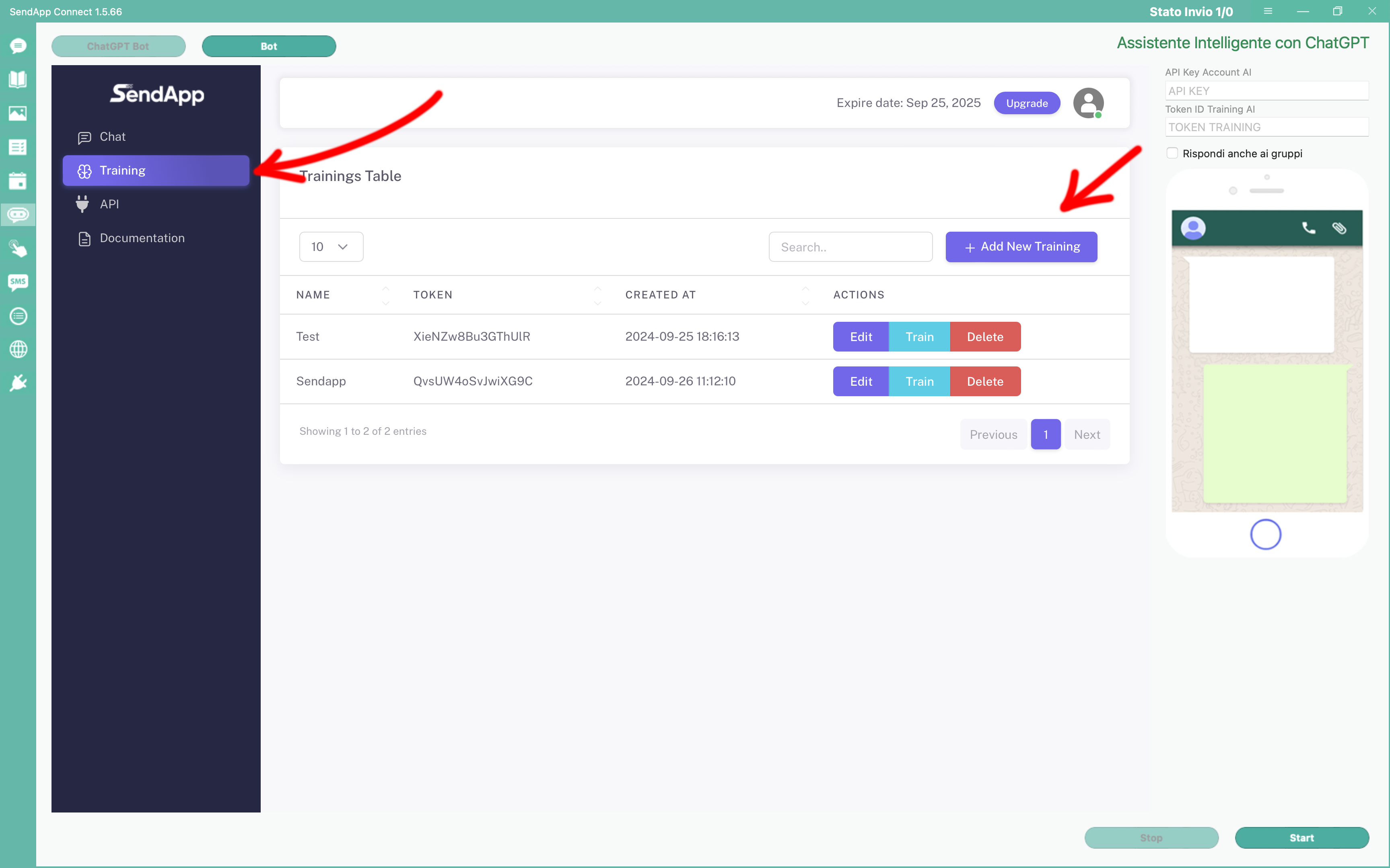
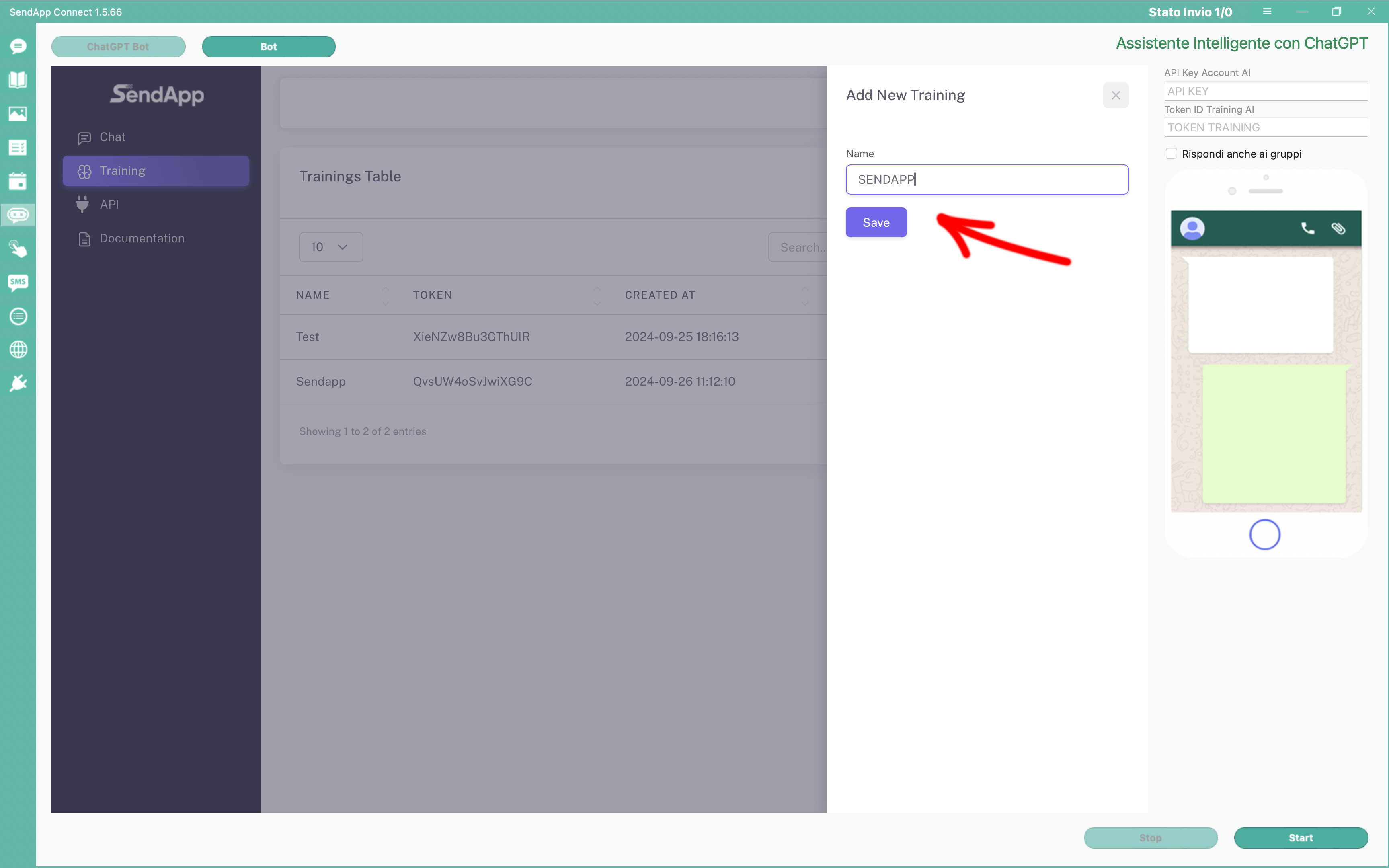
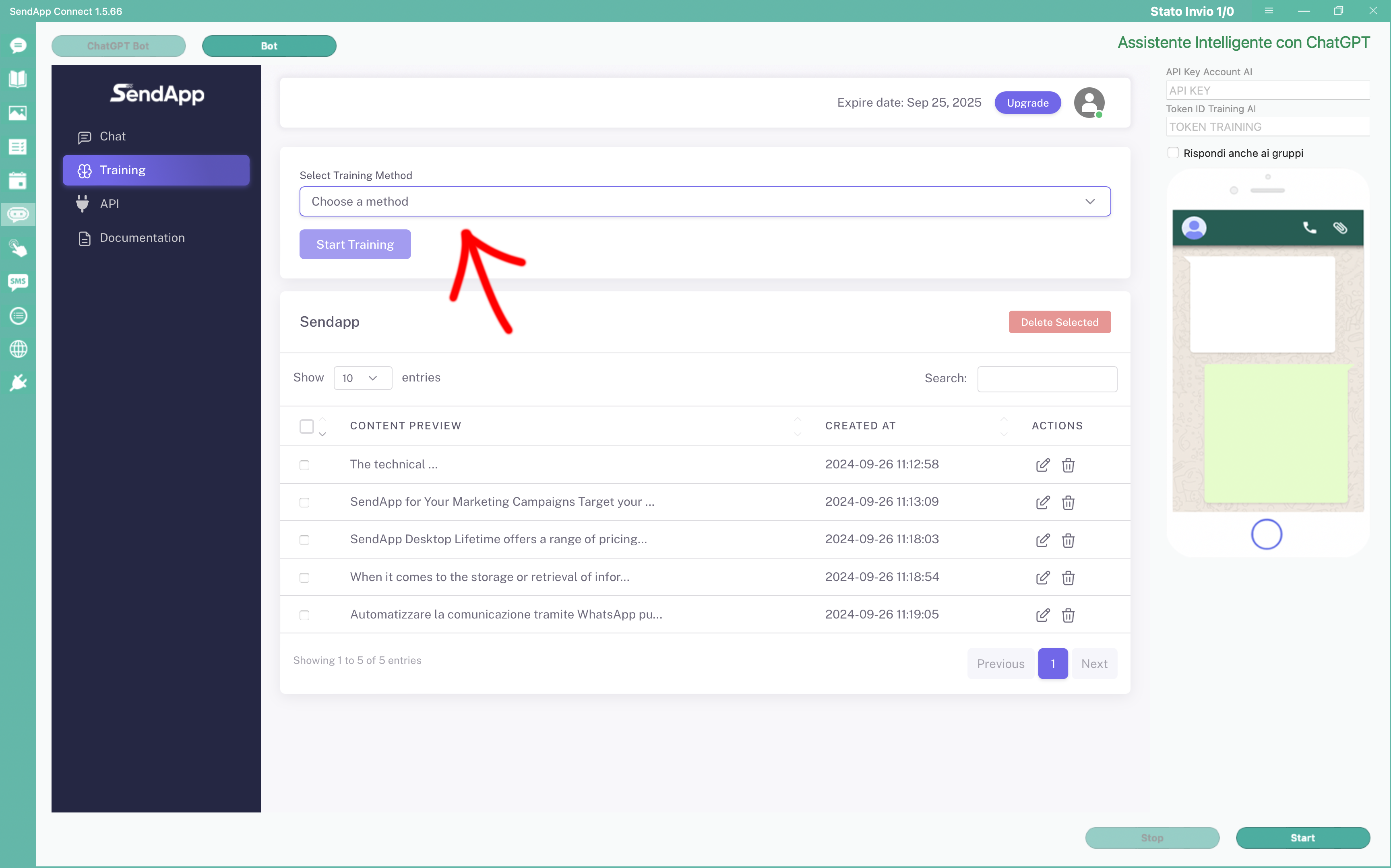
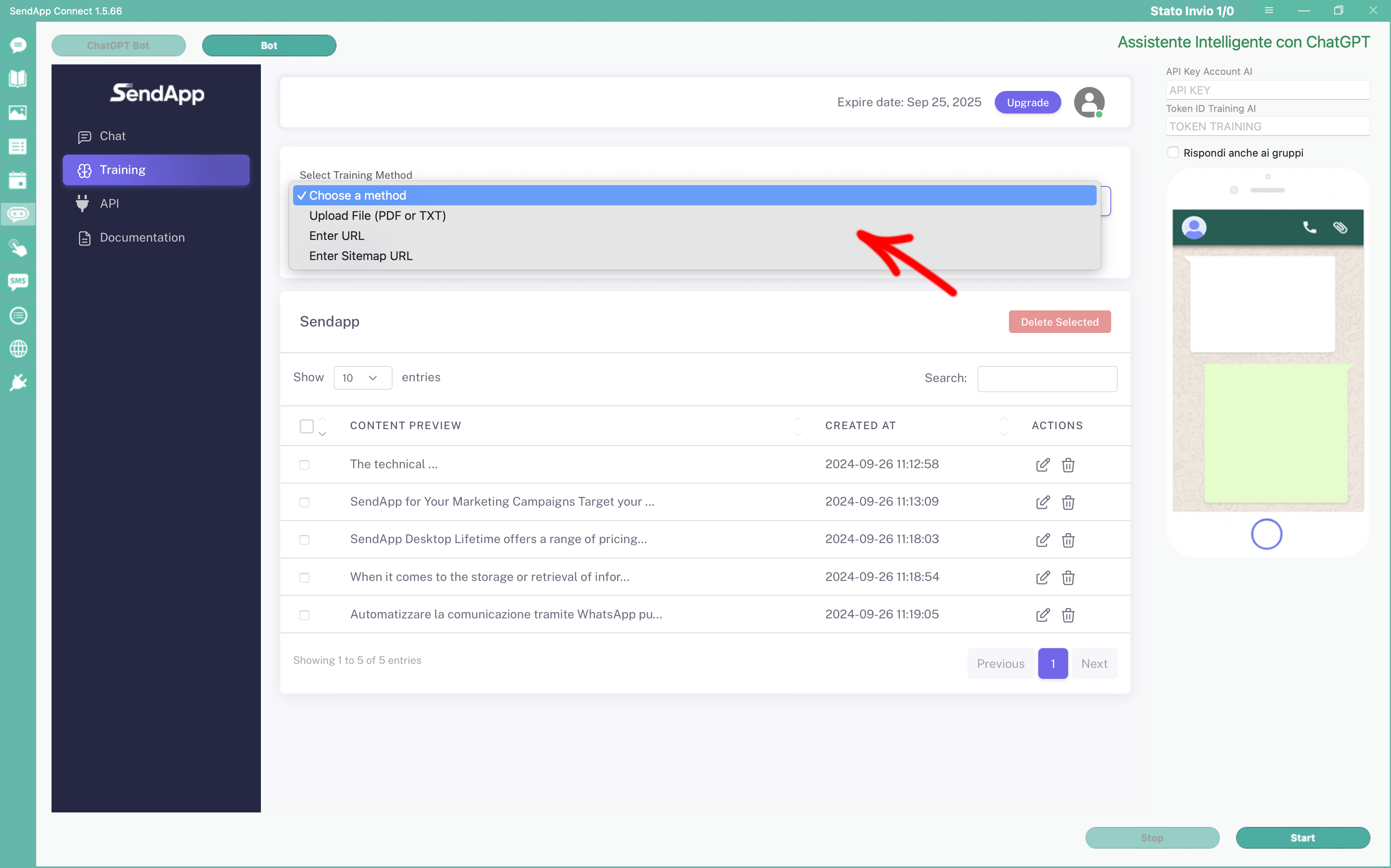
In the configuration section, select the type of training you've configured (URL, PDF, text, or XML sitemap). The system will use the uploaded content to prepare the chatbot for customer questions.
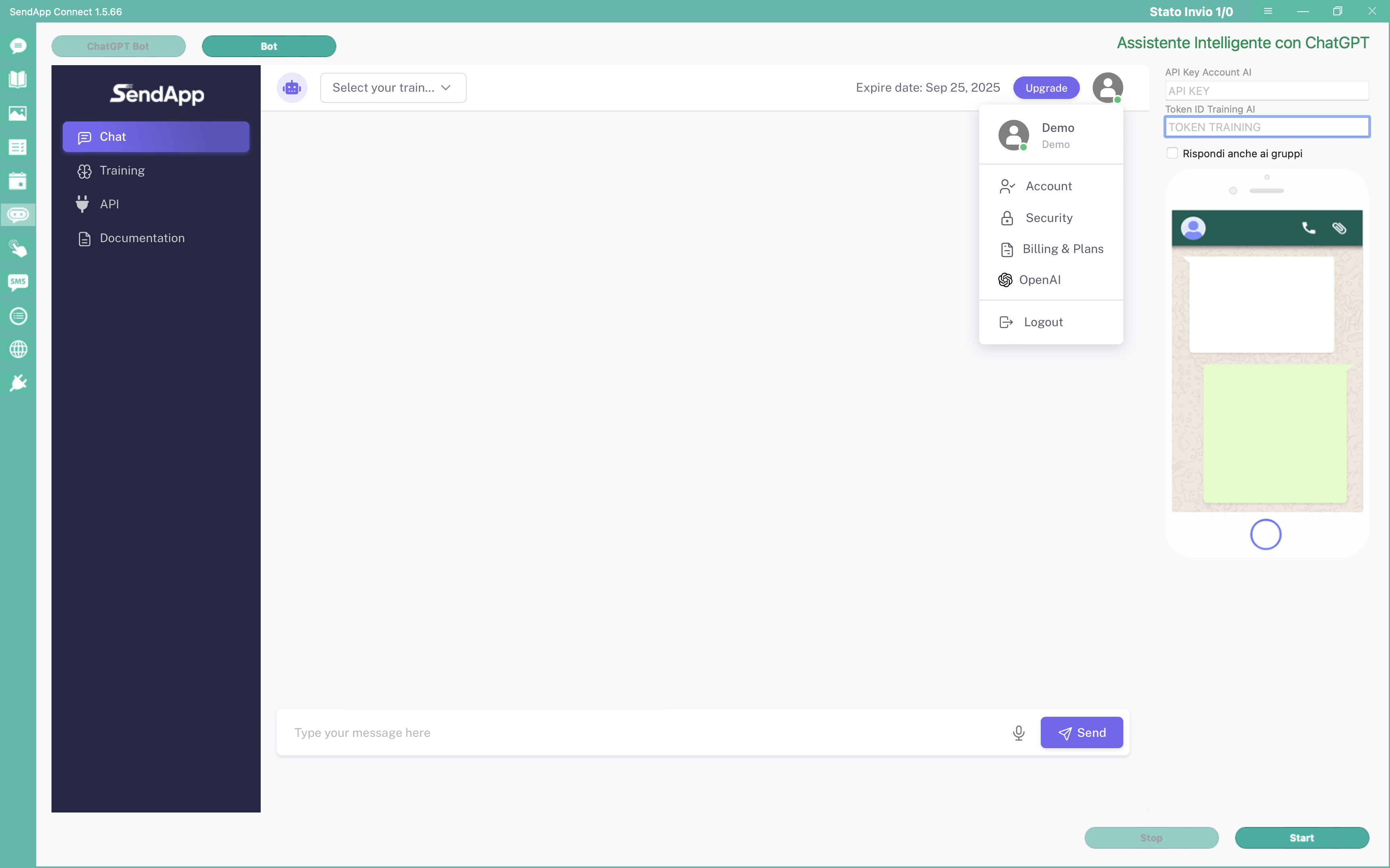
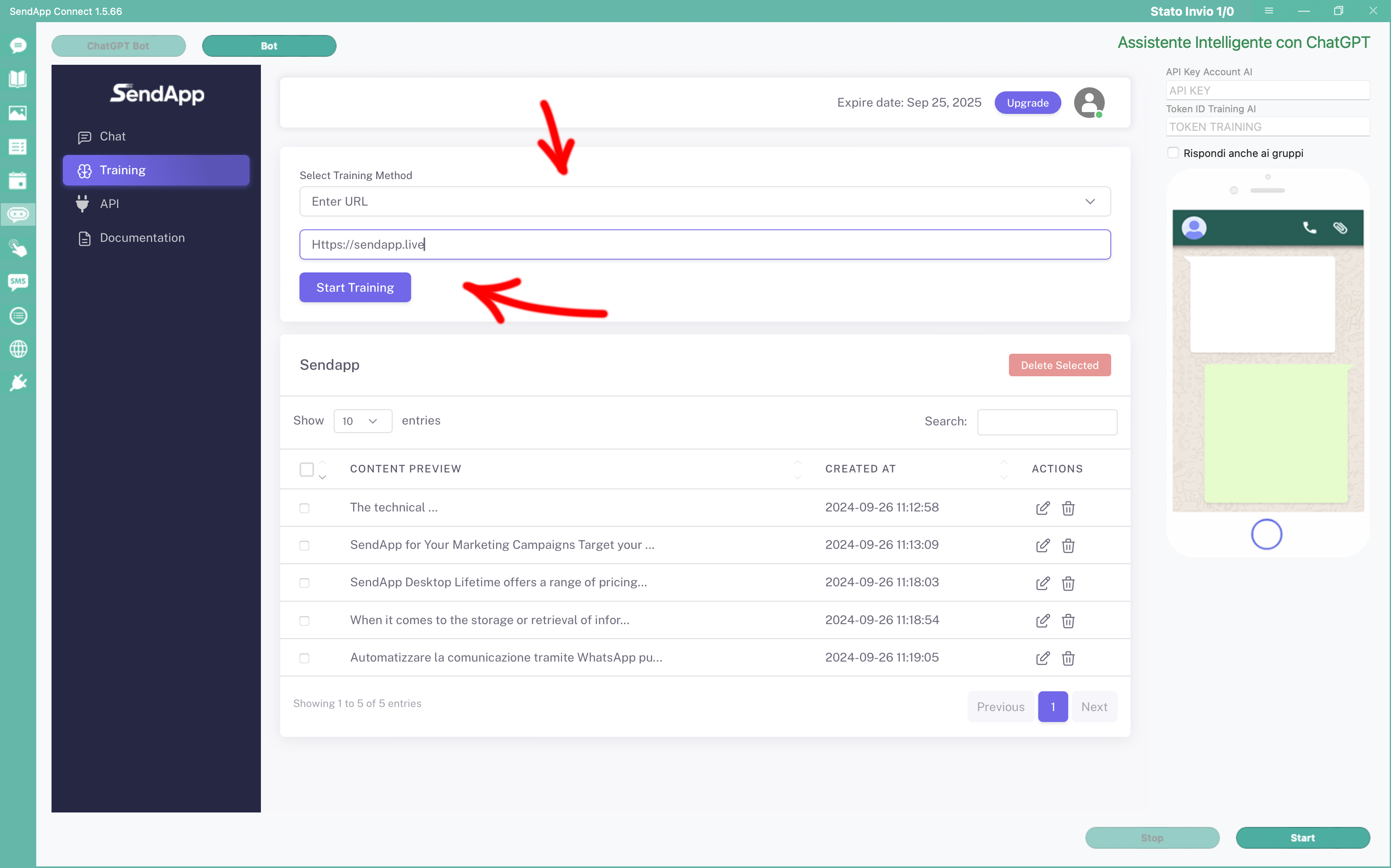
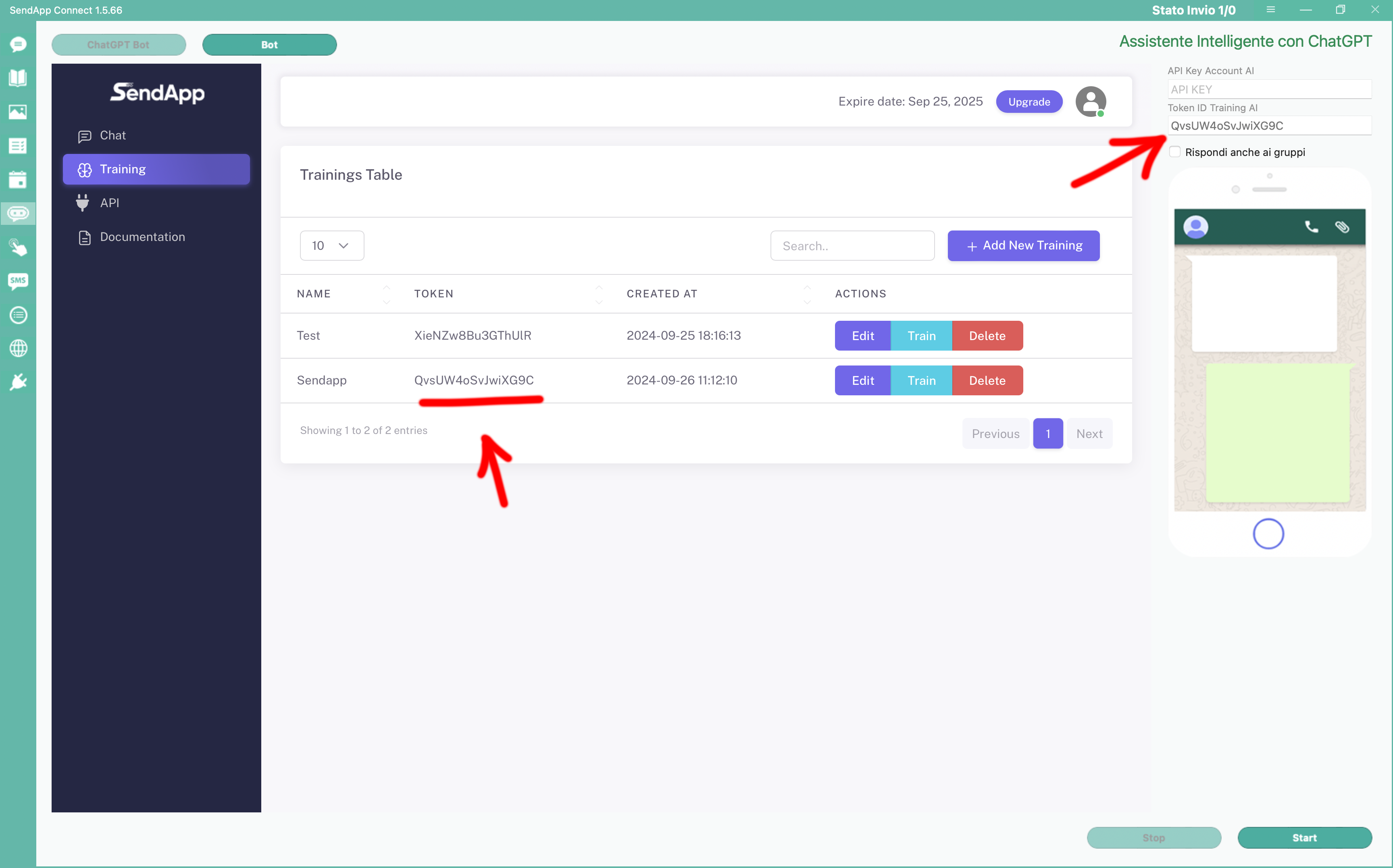
After completing the training, the system generates a Token specific. This token must be entered in the interface, at the top right, near the API Key field. It is used to connect the training to your SendApp account.
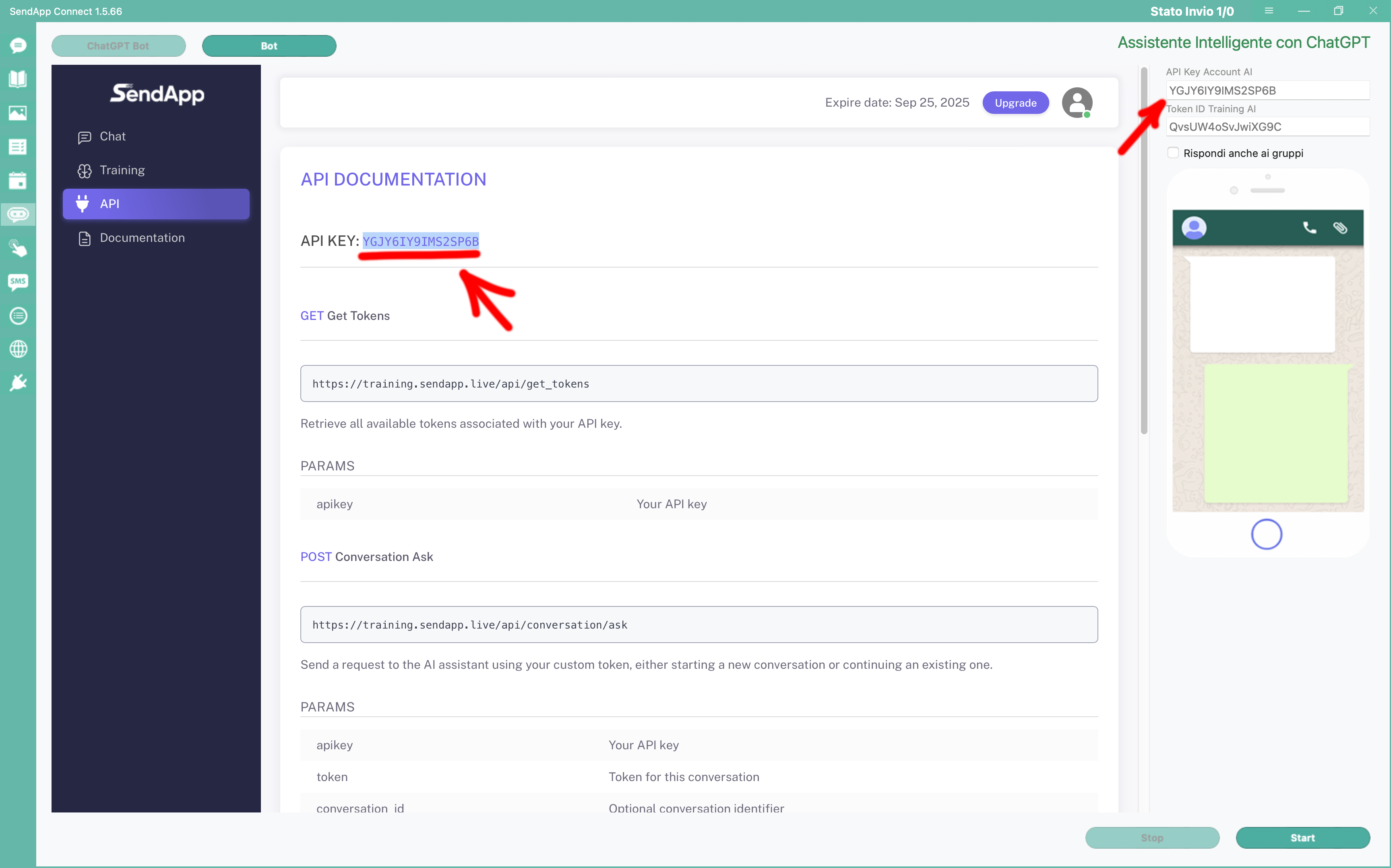
To activate AI, get your API Key from your SendApp account. Enter it in the top right interface to enable the artificial intelligence feature.
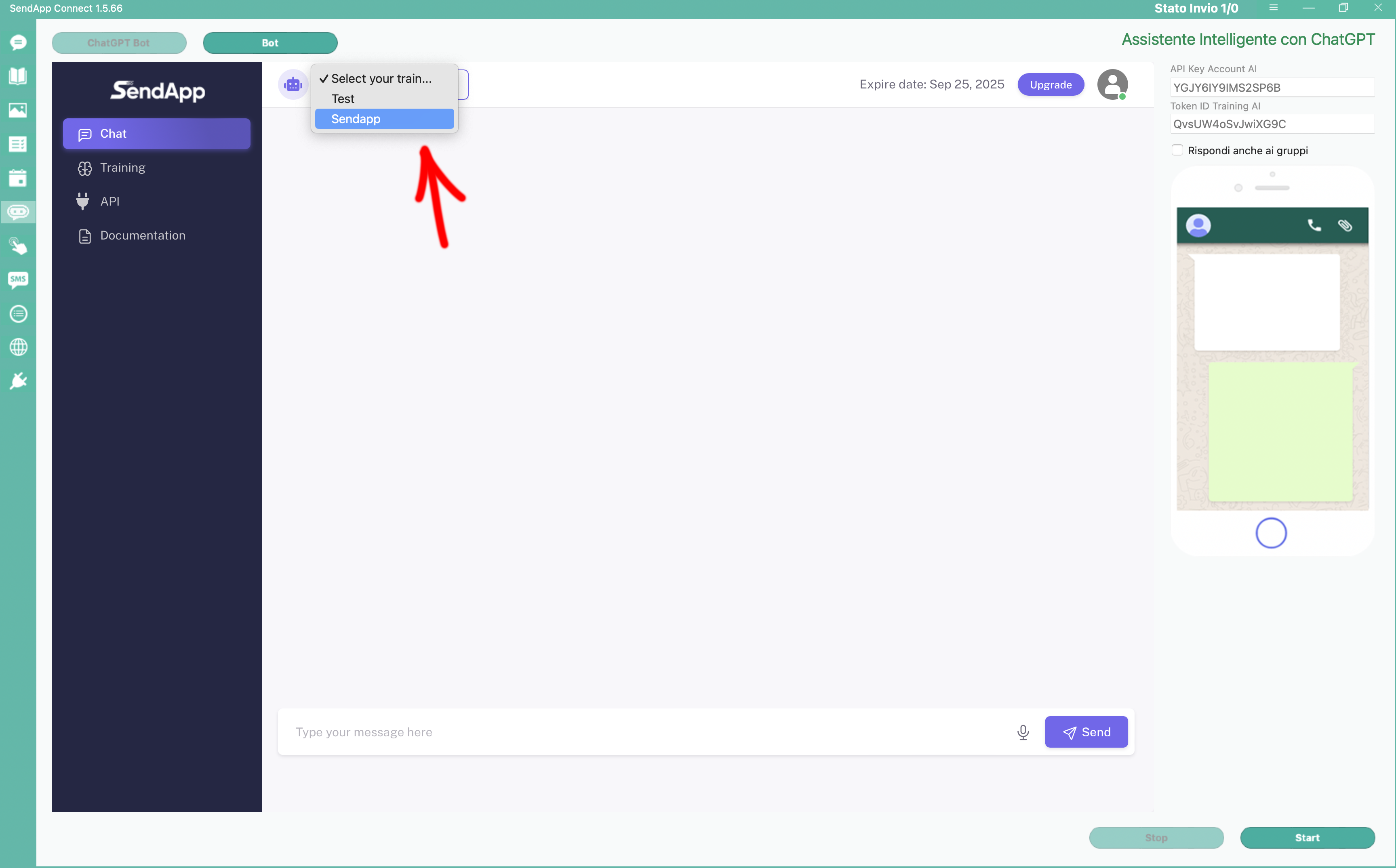
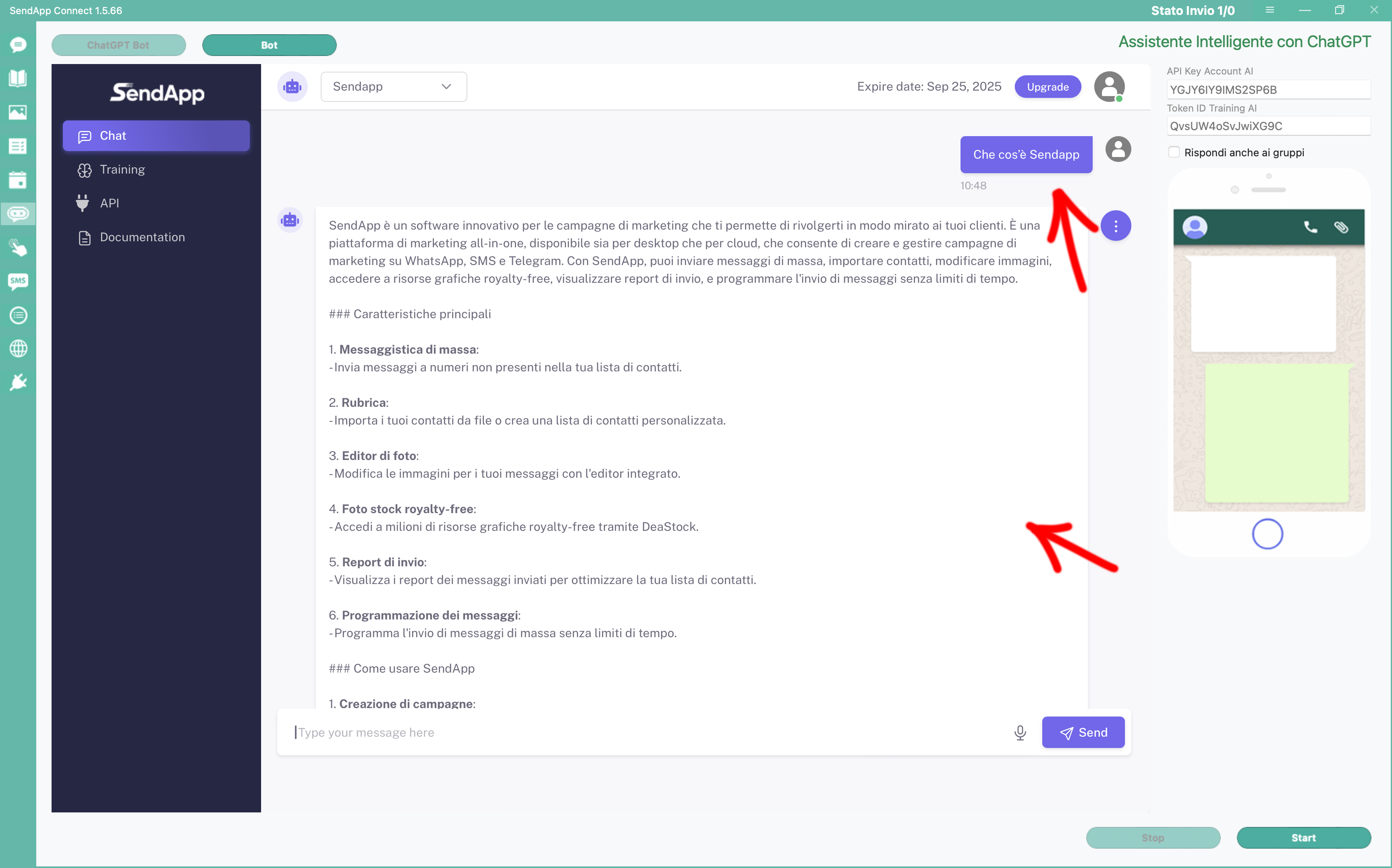
Once setup is complete, ask the chatbot some test questions to test the AI-generated responses. Simulate potential customer inquiries and view the responses directly in the chat.
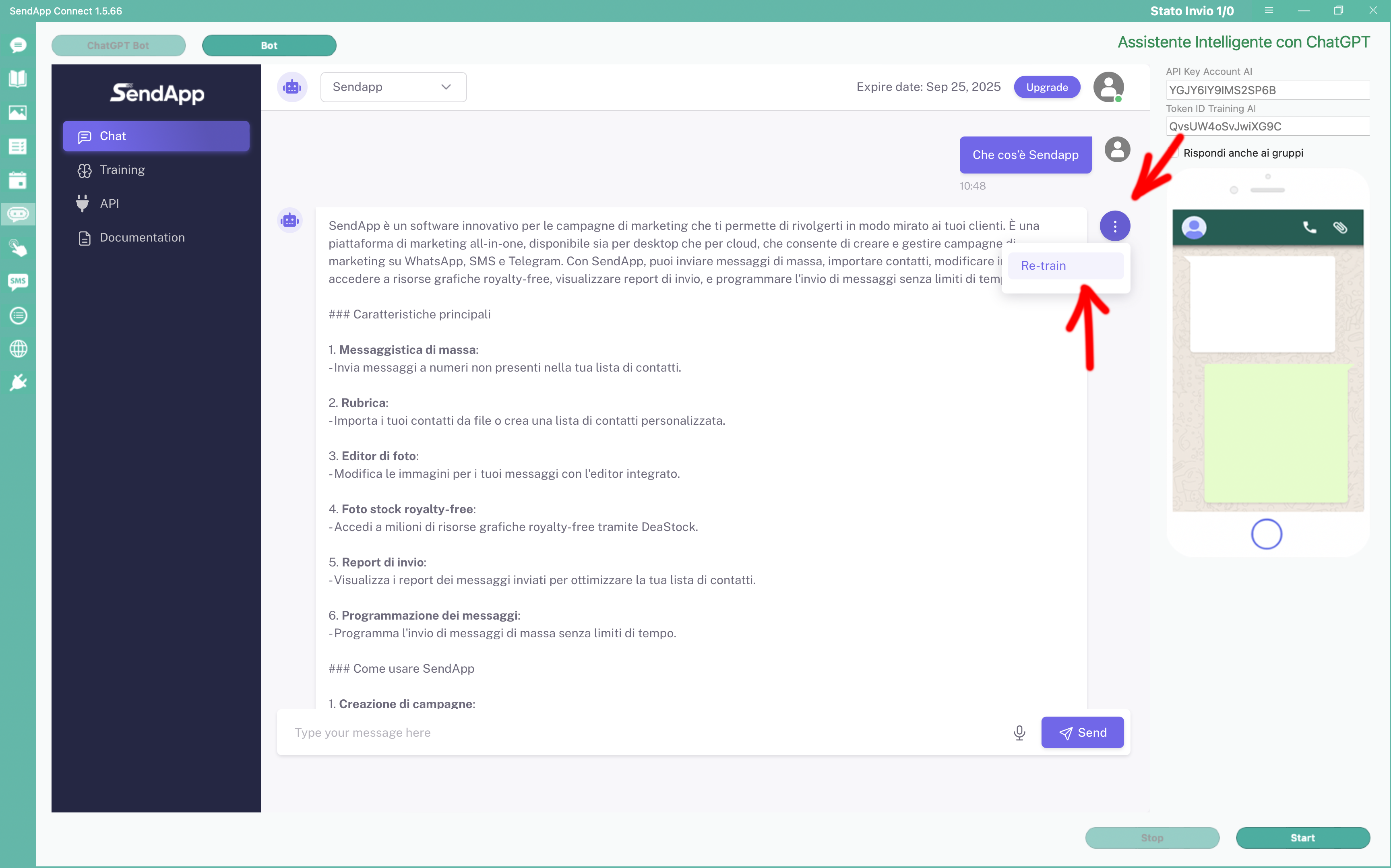
If the answers aren't exactly what you want, you can easily edit them. Click on three dots To the right of the chatbot's response, edit the text and save. The AI learns immediately the change and will respond in the future with new information.
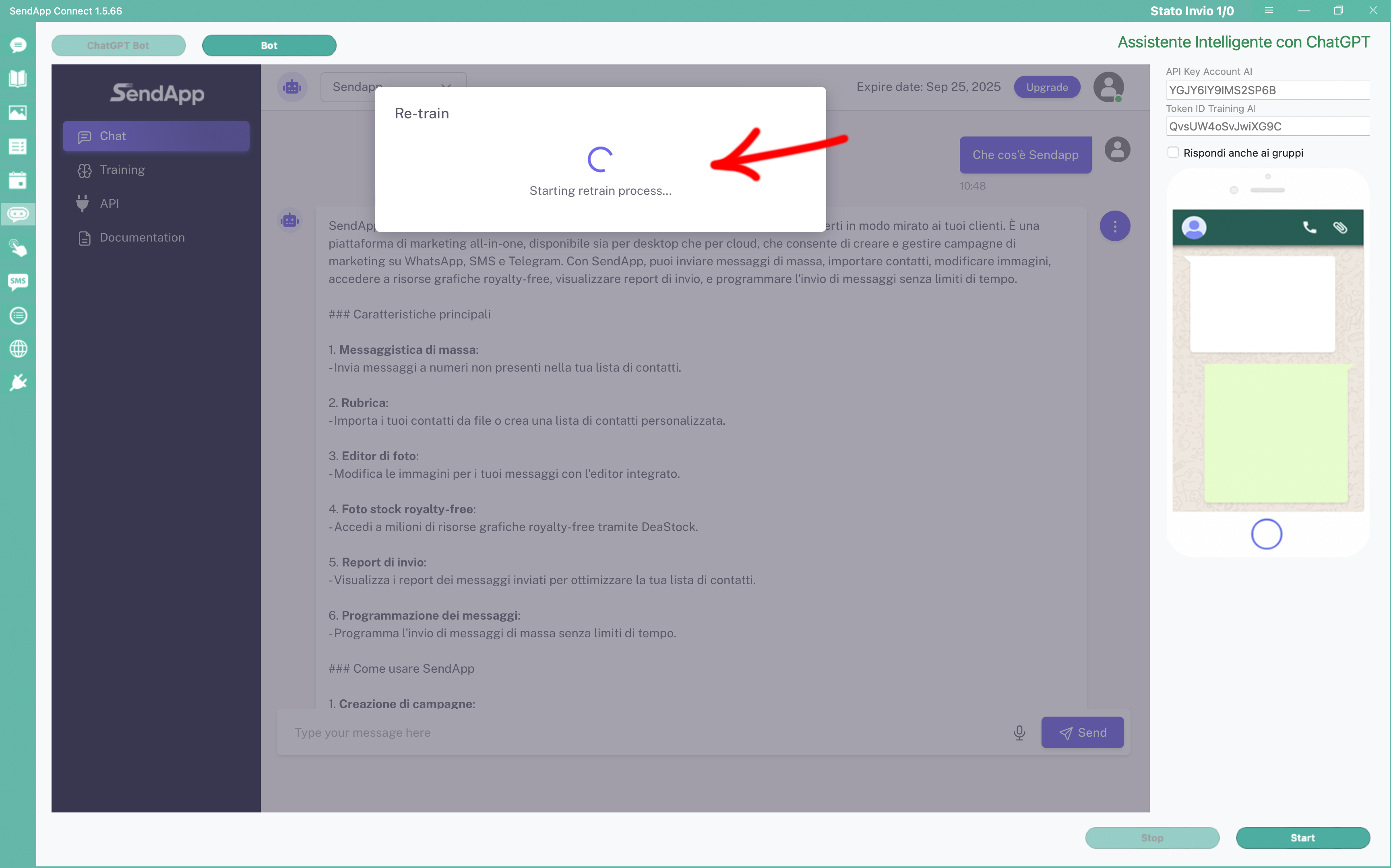
Once you modify a response, the AI takes it into account for all future interactions. The chatbot continuously improves its accuracy, increasingly adapting to the needs of your business.
START NOW
Train the AI with your content and let the chatbot respond to customers with precision and personalization. 24/7.