Why did WhatsApp block me?
In short
Why did WhatsApp block me? : Being suddenly banned from WhatsApp can be frustrating, especially...
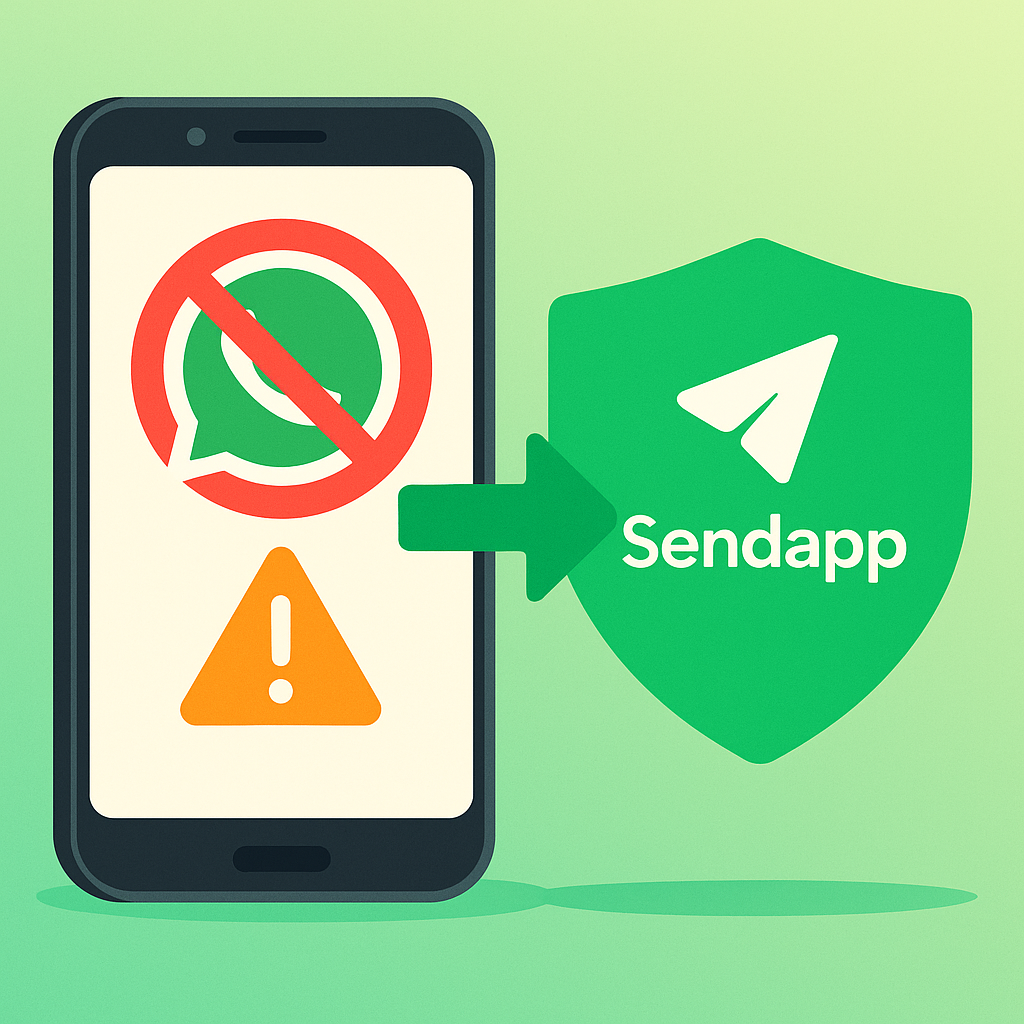
Sending promos from the regular WhatsApp app risks getting your number blocked. With Meta’s official API your campaigns stay compliant and your number stays protected.
The definitive fix: how to connect WhatsApp with the official API.
Try SendApp freeWhy has WhatsApp blocked me?: Being suddenly banned from WhatsApp can be frustrating, especially if you use the platform for business or marketing communications. A block can manifest itself with messages saying "this number is not authorized to use WhatsApp" or simply temporary limitations on features. Let's explore the most common reasons and how to prevent future blocks based on best practices and tips. WhatsApp Business Official API.
Main causes of blockage
- Mass sending without "human" behavior
WhatsApp identifies excessively fast or regular sending patterns as suspicious activity. If you send hundreds of messages in sequence without random pauses, the system may intervene with a suspension. - Lack of consent (opt-in)
Emails to users who haven't expressly consented to them are flagged for spam, increasing the risk of being banned. - Using unofficial tools
Software that relies on scraping or unauthorized interfaces is constantly detected and automatically blocked. - Unapproved templates
Transactional messages (e.g. appointment confirmations) sent outside of Meta-validated templates are rejected or flagged as potential abuse. - Sensitive content or inappropriate language
Political promotions, offensive invitations, or content prohibited by WhatsApp policies may result in immediate reporting.
How to check the reason for the block
- In-app messageRead the notice carefully. It often indicates whether it's a temporary or permanent block.
- WhatsApp Support: From the block message, tap “Contact Us” to open an internal ticket.
- Email to support@whatsapp.com: send complete number including area code, screenshot and reason for appeal.
- Help Center: fill out the official form on https://faq.whatsapp.com to speed up the review.
Best practices to avoid future blocks
- Insert random delays: Between each send, wait 5–15 seconds to simulate natural behavior.
- Send in small batches: Don't exceed 30–50 messages per session, then take a break of at least 30 minutes.
- Always collect an opt-in: via web form, paper form, or explicit confirmation in chat.
- Use official templates: For notifications and reminders, create and approve transactional messages via the API.
- Monitor metrics and reporting: delivery rates, openings, responses and above all any complaints.
The solution: SendApp Agent with Official APIs
With SendApp Agent you rely on WhatsApp Business API by Meta, eliminating the risks associated with unauthorized tools and ensuring:
- Compliance and reliability: No blocks for suspicious activity, since every message passes through official servers.
- Integrated Humanization: Automatically handle random delays and batch sends directly from the dashboard.
- Multi-channel and CRM: in addition to WhatsApp, Gmail SMS and Telegram, with real-time synchronization in your company CRM.
- Automations and chatbots: Pre-built conversational flows to qualify leads, send reminders, and manage appointments 24/7.
- Advanced reporting: Customizable dashboards to track deliveries, opens, clicks, and any notifications in one place.
Conclusion
Blocks almost always arise from overly aggressive submissions, unofficial tools, or failure to comply with policies. By adopting best practices and using SendApp Agent with the WhatsApp Business Official API, you can communicate in maximum security, scale your campaigns and always keep your channel active without risk of ban.
Was your account blocked for sending promotional messages? With SendApp’s official Meta API that problem disappears — zero bans, even on large campaigns. Start free with SendApp.
Frequently asked questions
Why did WhatsApp block or restrict my account?
Usually for bulk sending from an unofficial number, too many reports from contacts, Terms of Service violations or using unauthorized apps. WhatsApp detects spam-like patterns and limits or blocks the account.
How do I unblock a restricted WhatsApp account?
Request a review from the app when the warning appears, wait out temporary limits, and stop the behavior that caused them. For permanent bans you need to contact official WhatsApp support.
How do I avoid bans when messaging many customers?
Don’t use personal numbers or unofficial apps for campaigns. With SendApp Agent you use the official Meta APIs: send notifications and campaigns by the book, from a verified number, with no ban risk.