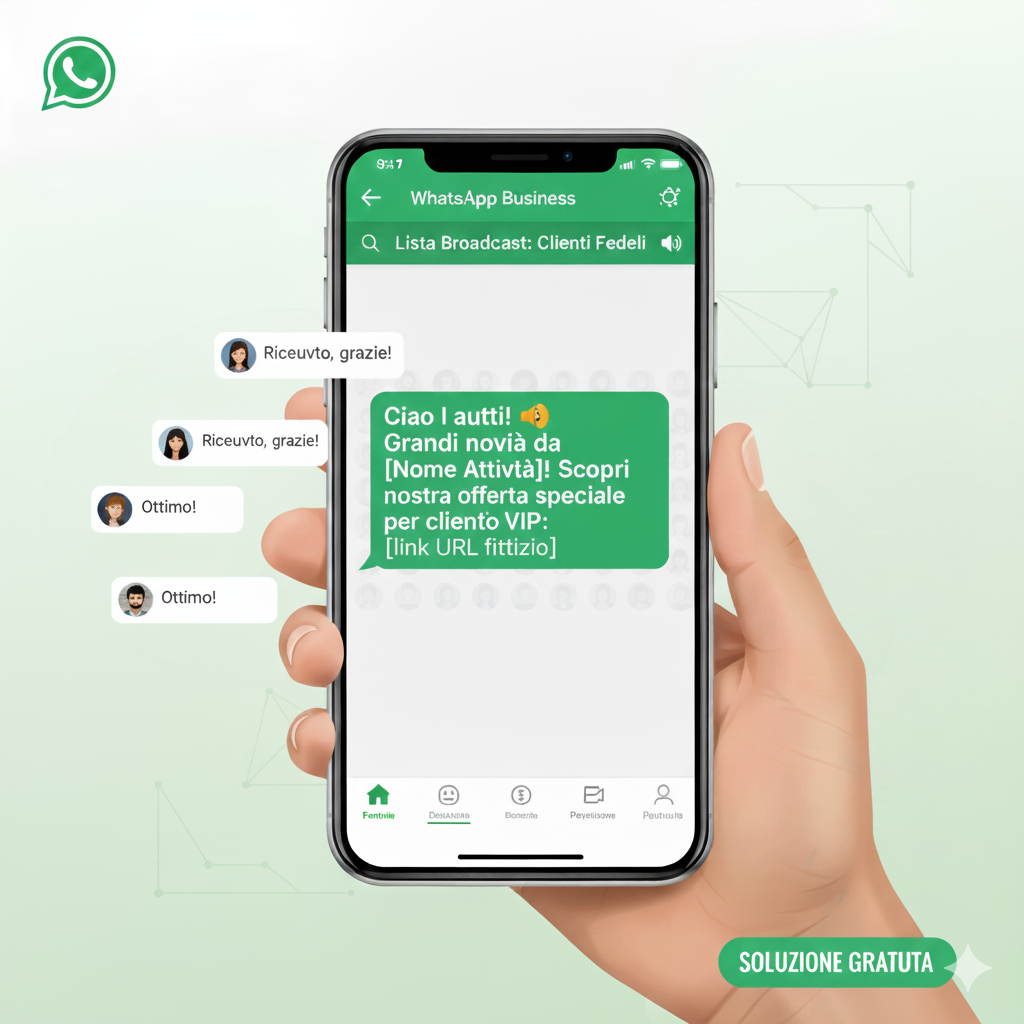
send WhatsApp message to all contacts without broadcasting
In short
How to message all your WhatsApp contacts without broadcast lists: the limits, the ban risks, and the safe way to reach everyone at scale.
How to Send a WhatsApp Message to All Contacts Without Using Broadcasts
Alternative Methods for Multiple Messages on WhatsApp
Sending multiple messages on WhatsApp without using the broadcast feature may seem like a daunting task, but there are alternative methods that can make it easier.
Another method is to use specially created WhatsApp groups. While you can't automatically add all your contacts to a group, you can create themed or interest-based groups and manually invite contacts. This method can be useful for communicating with a small circle of people.
Distribution lists are another valid option. However, these only work if your contacts have your number saved in their address book. Otherwise, your messages will not be delivered. It's essential to ensure your number is registered with your contacts for this method to be effective.
A technologically advanced solution is to use the WhatsApp Business API, which allows you to send messages to a wide range of contacts. This option is generally more suitable for professionals and businesses, as it requires technical expertise and often involves costs.
Call to Action
We invite you to explore these methods to improve your WhatsApp communication. Try different solutions and see which one best suits your needs!
Advantages and Limitations of Automation Tools
WhatsApp automation tools offer numerous advantages, especially for businesses and professionals who need to handle large volumes of messages. These advantages apply to tools that use the official WhatsApp Business API from Meta: unofficial apps and browser extensions put your account at risk of being banned, as explained in the section on limits below. One significant benefit is the ability to save valuable time by automating message sending and reducing manual effort.
Additionally, automation allows you to personalize messages for each recipient. This increases the effectiveness of communication, as personalized messages tend to get a higher response rate than generic messages. You can include the recipient's name, tailor the message based on their preferences, and create more engaging content.
However, using automation tools also has limitations. One of the main ones is the risk of violating WhatsApp policies, which could lead to your account being suspended or blocked. It's essential to know and follow the guidelines to avoid problems.
Another limitation is the requirement for a certain level of technical expertise. Not all tools are user-friendly and may require an initial learning curve. This can be a barrier for those who aren't particularly tech-savvy.
Additionally, automation tools may not be accessible to everyone due to the associated costs. Some software requires monthly subscriptions or significant upfront costs, making them more suitable for large companies rather than individuals or small businesses.
Call to Action
Carefully evaluate the advantages and limitations of automation tools and choose the option that best suits your needs. Complying with WhatsApp policies will help you avoid any inconveniences.
Detailed Steps to Send Messages to Everyone
Starting to send messages to all your WhatsApp contacts without using the broadcast feature requires a well-structured plan. First, organize your contacts based on specific criteria, such as common interests or professional categories. This will allow you to send more targeted and relevant messages.
Next, choose a tool that works on the official WhatsApp Business API, such as SendApp, which offers advanced features for managing WhatsApp messages. The official API from Meta is not the same as unofficial apps and browser extensions: those are the ones that lead to the bans described below. After selecting a tool, take the time to familiarize yourself with its features to get the most out of it.
After setting up the tool, create your messages. Make sure they are clear, concise, and personalized for each recipient group. Using templates can help you maintain consistency and save time writing similar messages.
Once your messages are ready, test them. Send test messages to a small group of contacts to verify that everything is working properly and make any necessary adjustments. This step is crucial to avoid large-scale errors.
After testing, you can proceed with sending. Monitor responses and gather feedback to improve your future messages. Analyzing the results will provide you with valuable insights into what's working and what could be improved.
Call to Action
Follow these detailed steps to optimize your WhatsApp communications. Don't forget to try SendApp, on the official WhatsApp Business API, to automate and improve your approach!
Limits, and when your number gets flagged
WhatsApp's own help pages set these limits:
- Broadcast lists: up to 256 contacts per list, and you can create as many lists as you like. Only people who have saved your number in their phone's contacts receive the message. In some countries a monthly cap is being rolled out gradually: up to 35 free broadcast messages per month.
- Forwarding: up to five people or groups at a time. A message that was forwarded to you can only be shared with one more group chat. If it passes through a chain of five or more chats, it is labelled "Forwarded many times."
- Groups: up to 1,024 members (1,025 counting the creator). A community holds up to 2,000 members across up to 100 groups.
- WhatsApp Business app: to reach customers who haven't saved your number, you send a paid business broadcast (still called "marketing messages" in some countries), which Meta reviews before it goes out. If many people report or block you, you first get a warning. If the spam continues, business broadcasts are suspended for three days.
WhatsApp says the following "may cause your account to be banned": bulk messaging, auto-messaging or auto-dialing; messaging people with contact lists that aren't yours; using modified or unofficial versions of WhatsApp; and over-using broadcast lists. On that last point it adds: "we ban accounts that are reported multiple times." It advises messaging only people "who have contacted you first or have requested you contact them." If your account is only restricted rather than banned, you can still message existing contacts but can't start chats with new ones until the restriction ends.
WhatsApp's Multiple Messages and Privacy Policy
WhatsApp has strict rules regarding sending bulk messages, designed to ensure user privacy and prevent spam. It's essential to comply with these rules to avoid having your account suspended or blocked.
First, WhatsApp prohibits sending unsolicited messages to contacts who have not consented to receive them. It's essential to obtain recipients' consent before sending them promotional or informational messages.
Additionally, WhatsApp restricts the use of automated tools that are not approved by the platform itself. The use of official APIs is permitted, but requires an approval process and may be subject to specific restrictions.
The platform also has guidelines on personal data protection. It's important to ensure that any information collected or used for sending messages complies with privacy regulations, such as the GDPR in Europe.
If you violate these policies, WhatsApp may take action, including temporary suspension or permanent account blocking. To avoid this, it's recommended that you familiarize yourself with WhatsApp's policies and ensure you always comply.
Call to Action
Make sure you comply with all WhatsApp policies to keep your account safe. Learn how SendApp can help you manage your communications compliantly and effectively.
Conclusion: How SendApp Can Help You
For businesses and professionals who want to effectively manage their WhatsApp communications, SendApp is an ideal solution built on the official WhatsApp Business API from Meta. It offers advanced automation tools that allow you to send personalized messages to all your contacts, complying with WhatsApp regulations.
SendApp allows you to schedule message sending, use custom templates, and track responses. All of this improves the efficiency and effectiveness of communication, reducing manual workload.
Additionally, SendApp is designed to comply with WhatsApp policies, offering a secure and reliable solution for managing bulk messages. It's an excellent tool for those looking to expand their network without incurring regulatory violations.
To find out more about how SendApp can revolutionize your approach to communication, visit the website SendApp and start improving your WhatsApp management today!
Call to Action
Visit SendApp and discover how to optimize your WhatsApp communication with advanced and secure tools.