WhatsApp Message Management: How to See Who's Reading Your Group Messages
In short
To see who read your message in a WhatsApp group, press and hold the message and tap Info. WhatsApp shows two lists: Read by, with the time each person read it, and Delivered to. It only works for messages you sent, and in groups read receipts are always on, so nobody can hide from the list.
WhatsApp Message Management: How to See Who's Reading Your Group Messages
WhatsApp is undoubtedly one of the most used instant messaging apps in the world. With over 2 billion active users, it's hard to find someone who doesn't have a WhatsApp account. But what happens when we're in a discussion group and want to know who's read our messages? Is it possible to find out? The answer is yes, and in this article, I'll explain how to see who's read messages in WhatsApp groups.
How to See Who's Read Messages in WhatsApp Groups on a Smartphone
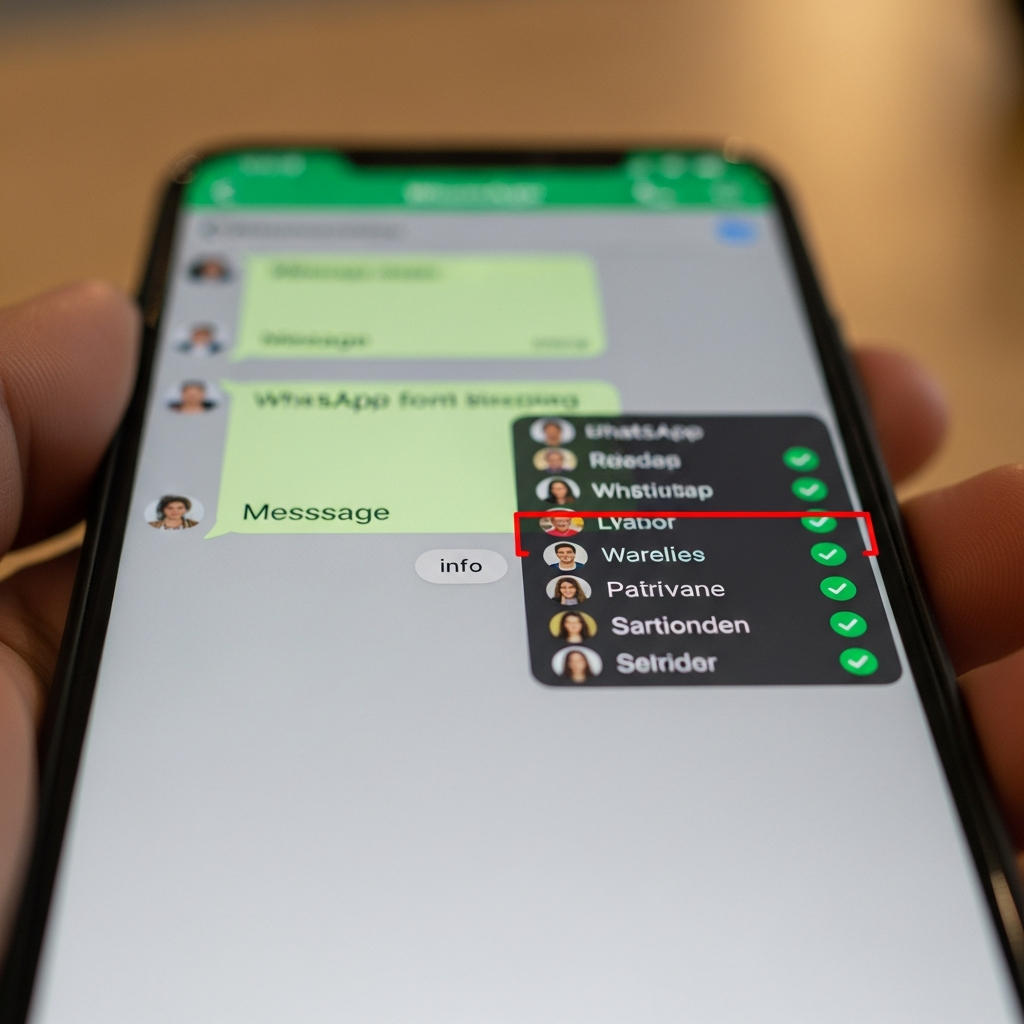
The process for seeing who's read messages in WhatsApp groups is fairly quick and easy. First, make sure you have the latest version of WhatsApp installed on your smartphone. Then, open the app and select the group in which you want to check who's read messages. Once inside the group, select the message you want to check and hold it for a few seconds. A menu will open with several options, including "Info." Select "Info" and you'll see a list of all users in the group who have read the message. It's important to note that read receipts are enabled by default in WhatsApp groups, so you don't need to enable anything beforehand. facebook.com
See who has read messages in WhatsApp groups on Android
The procedure for seeing who has read messages in WhatsApp groups on Android is the same as described above. However, it's important to note that the layout of the menus and options may vary slightly depending on the Android version and device used. In general, however, the procedure is the same: select the message, hold it down for a few seconds, select "Info," and you'll see a list of users who have read it.
See who has read messages in WhatsApp groups on iPhone
Even on iPhone, seeing who's read messages in WhatsApp groups is quite simple. Open the app, select the group and the message you want to check, then press and hold it for a few seconds. A menu will open with several options, including "Info." Select "Info" and you'll see a list of users who've read the message. It's important to note that, even on iPhone, read receipts are enabled by default in WhatsApp groups, so you don't need to activate anything beforehand.
How to See Who Reads a Message in a WhatsApp Group on a Computer
You can also see who has read messages in WhatsApp groups from your computer, using WhatsApp Web or WhatsApp Desktop. The process is quite simple: open WhatsApp Web or WhatsApp Desktop, select the group and the message you want to check, then right-click the message and select "Info." You'll then see a list of users who have read the message. It's important to note that, even on WhatsApp Web and WhatsApp Desktop, read receipts are enabled by default in WhatsApp groups, so you don't need to activate anything beforehand. whatsapp.com
But what if we're a business or a professional and want to manage WhatsApp efficiently? In this case, you can use tools like SendApp, which offers a range of advanced features for managing WhatsApp, including the ability to send mass messages, manage contacts, and monitor reading statistics. With SendApp, you can increase productivity and improve communication with customers and collaborators.
SendApp offers several options for businesses and professionals, including official WhatsApp Business API, SendApp Agent and the possibility of request a WhatsApp consultation. With these options, you can customize WhatsApp management to your needs and increase communication efficiency. wikipedia.org techcrunch.com
In conclusion, seeing who has read messages in WhatsApp groups is a fairly quick and easy process that can be done on smartphones, computers, and tablets. With read receipts enabled by default, you don't need to activate anything beforehand. Furthermore, with tools like SendApp, you can manage WhatsApp efficiently and increase productivity. So, if you're a WhatsApp user and want to find out who has read your messages, don't hesitate to try the procedure described in this article. And if you're a business or professional, don't hesitate to discover how SendApp can help you manage WhatsApp efficiently.
Frequently asked questions
How do I see who read my message in a WhatsApp group?
Press and hold your message and tap Info (on Android it may be under the three-dot menu; on iPhone you can also swipe left on the message). You will see Read by, with the time, and Delivered to.
Can I see who read a message sent by someone else?
No. The Info screen is only available for messages you sent yourself.
Can group members hide that they read my message?
No. Turning off read receipts in the privacy settings only applies to individual chats: in groups read receipts are always sent.
Why is someone missing from the Read by list?
Because they have not opened the chat since your message arrived, or their phone has not been online yet. If they appear under Delivered to, the message has reached their phone but has not been read.
Can I check who read a message on WhatsApp Web?
Yes. Hover over your message, open the menu with the small arrow and choose Message info.