How to Chat on WhatsApp Without Being Online: The Ultimate Guide

In short
To reply on WhatsApp without appearing online, go to Settings › Privacy › Last seen and online, set Last seen to Nobody and “Who can see when I’m online” to Same as last seen. Then reply straight from the notification without opening the chat. The sender still sees blue ticks unless read receipts are off.
How to Chat on WhatsApp Without Being Online: The Ultimate Guide
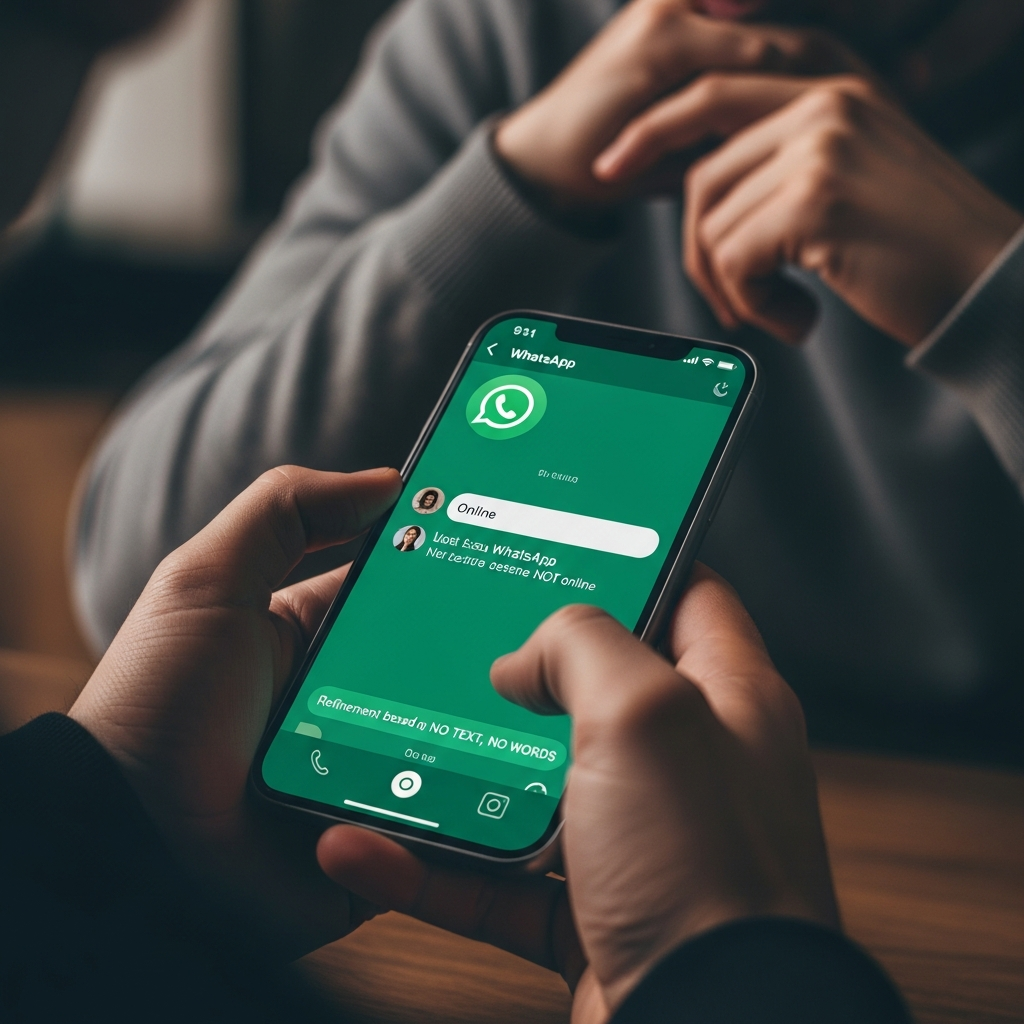
Are you tired of always being online on WhatsApp? Want to be able to reply to messages without others knowing you're online? Well, you've come to the right place! In this article, I'll explain how to chat on WhatsApp without being online, and I'll give you some helpful tips for managing your privacy on this popular messaging platform.
Before we begin, it's important to note that WhatsApp is a very popular platform, with over 2 billion active users each month. That's why it's essential to know how to manage your privacy and avoid being constantly "online" when you don't want to be. techcrunch.com
Hide online status
The first step to chatting on WhatsApp without being online is to hide your online status. Go to Settings › Privacy › Last seen and online: set Last seen to Nobody (or My contacts except…) and “Who can see when I’m online” to Same as last seen. It works both ways: you won’t see other people’s last seen and online either.
It's important to note that even if you hide your online status, other users will still be able to see when you've read their messages. To prevent this, you can disable the "Read" feature in your WhatsApp settings.
Using the 'Reply' function and virtual assistants
Another option for chatting on WhatsApp without being online is to use the "Reply" feature and virtual assistants. The "Reply" feature allows you to reply to messages without having to open the WhatsApp app. Virtual assistants, like Google Assistant or Siri, can help you read and reply to messages without having to touch your phone.
Replying from a notification is a feature of your phone, not a WhatsApp setting: on Android tap Reply under the notification, on iPhone press and hold the notification. You answer without opening the chat, but the message you reply to is marked as read.
How to Read WhatsApp Messages Without Being Online
Another question you might have is how to read messages on WhatsApp without being online. The answer is simple: you can use lock screen notifications and the Notification Center to read messages without having to open the WhatsApp app.
To enable lock screen notifications, go to your phone's settings and select "Notifications" > "Lock screen." Here, you can choose to enable lock screen notifications and select the type of notifications you want to receive.
For Android, you can also use widgets to read and reply to messages without having to open the WhatsApp app. Widgets allow you to view messages directly on your phone's home screen and reply to them without having to open the app. wikipedia.org theverge.com
Using WhatsApp for PC, macOS, and WhatsApp Web
If you want to use WhatsApp on your computer, you can use WhatsApp for PC, macOS, and WhatsApp Web. These options allow you to use WhatsApp on your computer without having to use your phone.
To use WhatsApp for PC, you need to download and install the WhatsApp app on your computer. Then, open the app and follow the instructions to sync your WhatsApp account with your computer. androidauthority.com
To use WhatsApp Web, open your computer's browser and go to the WhatsApp website. Then, open the WhatsApp app on your phone and follow the instructions to sync your WhatsApp account with your computer.
How SendApp Can Help Businesses and Professionals Manage WhatsApp Efficiently
If you're a business or professional who uses WhatsApp to communicate with clients, you might need a way to manage messages efficiently. That's where SendApp comes in.
SendApp is a platform that lets you manage WhatsApp messages efficiently. With SendApp, you can automatically respond to customer messages and even use virtual assistants to help you manage messages.
To learn more about how SendApp can help your business, you can visit the official WhatsApp Business API. You can also request a WhatsApp consultation to find out how SendApp can help your business manage messages efficiently.
If you are interested in learning more about SendApp pricing, you can visit the SendApp pricing page. To request a WhatsApp consultation, you can visit the SendApp's consultation request page.
Frequently asked questions
Can you reply to WhatsApp messages without being online?
Yes, if you hide your online status: Settings › Privacy › Last seen and online, Last seen set to Nobody and online set to Same as last seen. Nobody will see you online while you type.
How do I reply to a WhatsApp message without opening the chat?
Reply from the notification: on Android tap Reply under the notification, on iPhone press and hold it. The message you reply to is marked as read.
Can I open WhatsApp chats online without the app?
You can use WhatsApp Web at web.whatsapp.com or the desktop app, but they must be linked to an account that exists on a phone, from Linked devices.
Will the sender know I read the message?
Yes, with blue ticks, unless you turn off Read receipts in Settings › Privacy. In group chats read receipts are always sent.