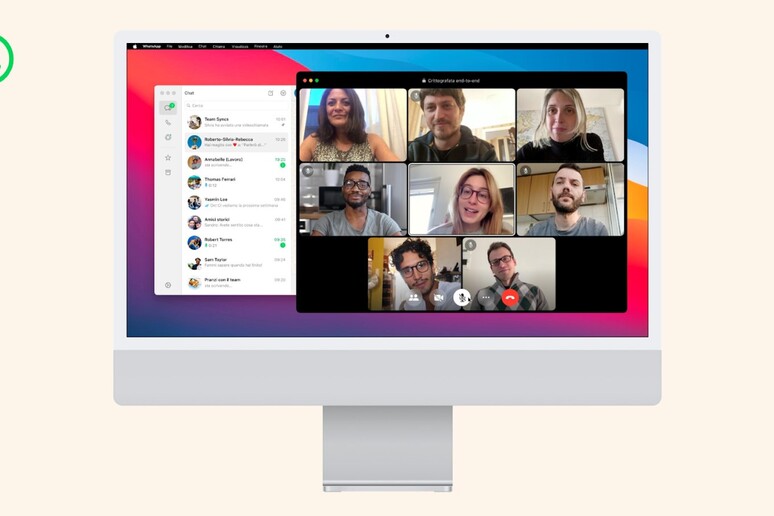
WhatsApp Web: Audio and video calls and new opportunities
In short
WhatsApp Web introduces audio and video calling: Learn how to use WhatsApp Web to improve communication, marketing, customer service, and automation in your business.
WhatsApp Web: Audio and video calls for complete communication
WhatsApp Web It's becoming increasingly central to the daily communication of users and businesses. With the arrival of audio and video calling on WhatsApp Web, the messaging experience is increasingly similar to that of the mobile app.
The desktop version of the popular messaging service is no longer just a typing support tool, but a true unified communications hub. This change has a direct impact on the way people collaborate, coordinate, and conduct business online.
In this article we analyze in detail the calling features on WhatsApp Web, the implications for productivity and customer service, and how companies can integrate these innovations into their digital strategies. We'll also look at how automation platforms like SendApp allow you to maximize WhatsApp's business potential.
WhatsApp Web: What's New for Audio and Video Calls?
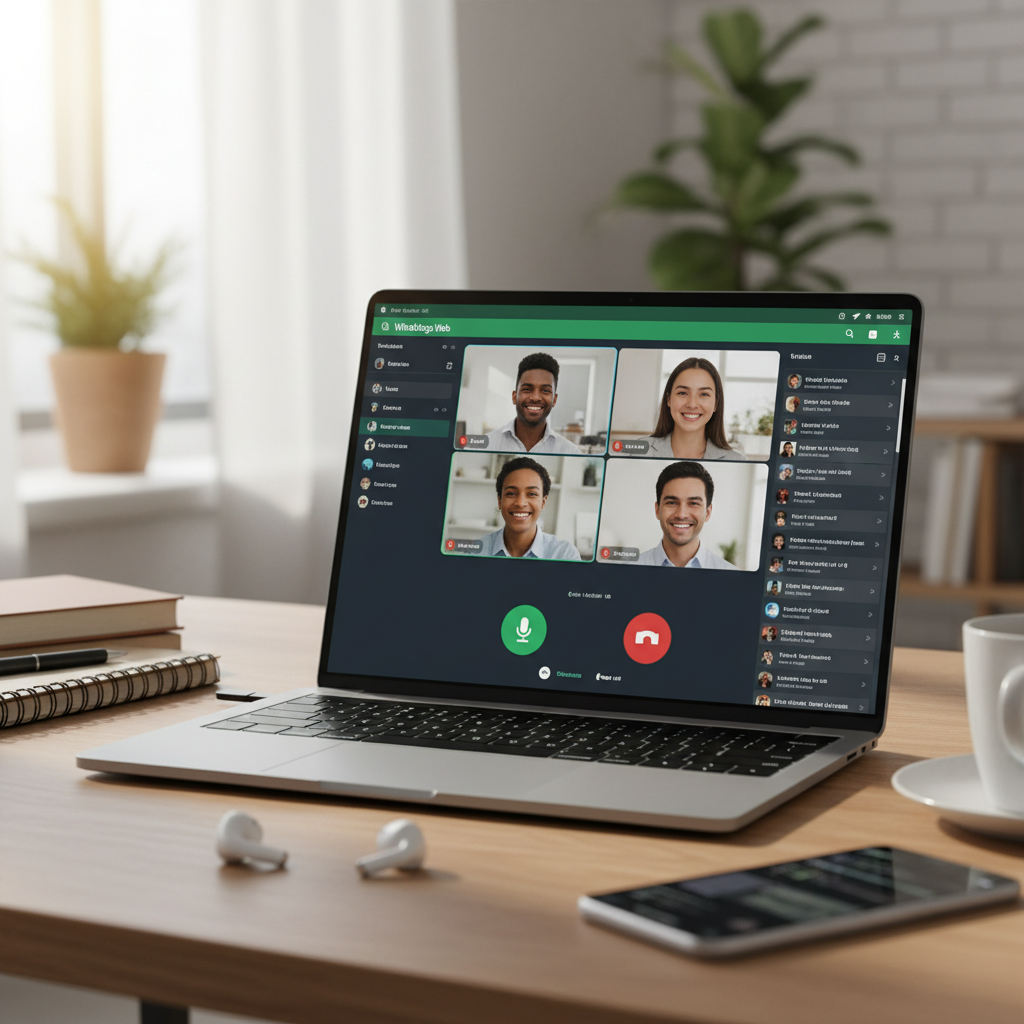
The introduction of audio and video calls on WhatsApp Web Turn your browser into a real-time communications hub. No more switching between your smartphone and your computer: you can answer calls directly from your browser window or the connected desktop app.
This feature brings WhatsApp closer to typical business communication tools, such as video conferencing services or VoIP calls. According to various digital reports, online calls are constantly growing, driven by hybrid working and the spread of collaboration tools (source: Wikipedia).
For home users, this means greater convenience when working or studying on a PC. For businesses, it means being able to manage both chats and calls with customers and colleagues in a single environment, simplifying communication flows and reducing confusion between different tools.
How Calls Work on WhatsApp Web
The calls on WhatsApp Web They use the computer's internet connection, taking advantage of the device's microphone and webcam. They work similarly to the mobile app: the user sees an incoming call screen and can choose to answer with audio, video, or reject the call.
To use the function correctly you need to:
- have the latest version of WhatsApp installed on your smartphone;
- keep the connection between the mobile app and WhatsApp Web active;
- grant the browser or desktop app permission to use your microphone and camera;
- have a stable connection to avoid delays or loss of quality.
Calls are protected by end-to-end encryption, similar to mobile apps, so the content of the conversation remains accessible only to the participants. This is especially crucial in the business environment, where data confidentiality is a fundamental requirement.Official WhatsApp security information).
Benefits of WhatsApp Web for Productivity and Collaboration
The evolution of WhatsApp Web In a comprehensive messaging and calling tool, it brings several productivity benefits. Those who work long hours on their computer can manage communications without constantly interrupting their workflow to check their smartphone.
Among the main benefits we find:
- Reducing distractions: managing chats and calls from your PC avoids having to constantly switch your attention to your smartphone;
- Faster responses: The physical keyboard allows you to type faster, while desktop calls make complex conversations easier;
- Integration with other tools: You can share documents, links and files saved on your PC during calls or chats;
- Better multi-screen experienceHaving windows and applications open on the same device simplifies support, training, or sales activities.
These advantages are reflected both in internal team collaboration and in relationships with customers and partners. It's no coincidence that many SMEs are starting to consider WhatsApp Web as a priority contact channel, alongside email and traditional telephone.
WhatsApp Web and data security in business communications
The intensive use of WhatsApp Web In professional contexts, it also raises the issue of security and regulatory compliance. End-to-end encryption protects the content of communications, but companies must still establish clear policies for data management and access.
For example, it's important to prevent WhatsApp business accounts from being used on unprotected personal computers or those shared with other users. Adopting strong passwords, using screen lock systems, and centralized device management are key elements in reducing the risk of data breaches.Guarantor for the protection of personal data).

In parallel, companies should establish guidelines on what information can be shared via WhatsApp and how to archive or document relevant communications for legal, administrative, or customer service purposes.
WhatsApp Web: Impact on Marketing and Business
The evolution of WhatsApp Web With audio and video calls, it has a direct impact on marketing and business. Companies can transform this channel into a 360-degree relationship tool, combining messages, attachments, calls, and video calls into a single customer experience.
From the point of view of the digital marketing, WhatsApp becomes a natural extension of social media and email campaigns. For example, you can invite customers to continue the conversation on WhatsApp after clicking on an ad or filling out a form. The presence of calls on WhatsApp Web It allows sales teams to move from chat to call in real time, increasing the likelihood of conversion.
In terms of customer experience, customers can:
- receive immediate assistance via chat and, if necessary, switch to a call or video call;
- send documents, screenshots or photos during the conversation;
- interact with the company from the device they prefer, without app or operating system constraints.
For companies that adopt strategies of marketing automation, integrating WhatsApp into your communication flows means being able to better orchestrate interactions: automatic notifications, follow-ups, appointment reminders or order confirmations can be combined with the possibility of a direct call from the browser via WhatsApp Web.
Finally, using WhatsApp as an official contact channel reinforces the brand's perception of proximity and availability. In a context where consumers expect quick and personalized responses, a professionally managed WhatsApp presence can make a difference compared to competitors.
When WhatsApp Web isn’t enough: SendApp Agent
WhatsApp Web remains a personal tool: one number, a single identity, no chat assignment and no record of who replied. When several people answer customers, or you need campaigns, automations and AI, you need a platform. With SendApp you connect your WhatsApp number to Meta’s official API through Meta’s guided sign-up, in a few minutes. If you use the WhatsApp Business app, you can keep using it on your phone.
Operators don’t work in WhatsApp Web but in the shared inbox of SendApp Agent, in the browser: assigned conversations, internal notes, tags and a record of who replied. Automations answer by keyword, send reminders and targeted campaigns with Meta-approved templates, and the AI assistant replies 24/7, handing the chat to a person when needed.
The combination of automation and manual management of conversations allows you to:
- reduce customer response times;
- maintain a complete history of interactions across all WhatsApp channels;
- monitor KPIs such as average response times, resolution rates, and customer satisfaction;
- scale customer service without losing quality.
To see how it works on your number, start from the WhatsApp connection guide or the SendApp Agent plans, with a free trial.