Bulk WhatsApp messages, on Meta’s official APIs
Campaigns to thousands of contacts on the official Meta API: personalized messages, unlimited lists and delivery reports.
WhatsApp campaign
LiveInside SendApp
See how it all connects.
Tags and segments
Contacts
Targeted campaign
Schedule delivery
Campaign report
SendApp Agent
Illustrative workflow
Why WhatsApp’s “normal” broadcast isn’t enough
If you send promos from broadcast lists or unofficial software today, you have three problems. SendApp fixes all three.
A channel verified by Meta
Tools that automate WhatsApp Web break the terms of service and sooner or later get the number blocked. SendApp uses only the official Meta API, with a verified number recognised as a business account: it is not treated like a personal number sending too much.
Beyond the 256-contact limit
WhatsApp broadcast lists stop at 256 contacts and only deliver to people who have you saved. With SendApp you send to unlimited lists, even thousands of contacts in one click.
No more manual work
No more copy-paste and one-by-one sends. Schedule campaigns, personalize the message with the customer’s name and see deliveries and reads in real time.
Talk to thousands of customers, as if to one
Every message goes out with the customer’s name and your variables: it looks handwritten, but it reaches your whole list in one send.

Your promo to 1,000 customers, in 3 steps
Pick the list
Import contacts from a file or address book and organize them with tags: VIP, new, inactive. Include or exclude the segments you want to reach.
Prepare the message
Write the text, attach photos or documents, or start from a Meta-approved template. Add the customer’s name and variables: not a flyer, a conversation.
Schedule and monitor
Send now or at the scheduled time. The dashboard shows delivered and read in real time, and when customers reply the AI answers for you 24/7.
WhatsApp broadcast lists vs SendApp
| WhatsApp broadcast lists | SendApp (Meta API) | |
|---|---|---|
| Contacts per send | Max 256 | Your whole list, up to 30,000 on the Platinum plan |
| Ban risk | High with unofficial tools | Channel verified by Meta, recognised as a business |
| Personalization | No | Name and variables in the message |
| Send scheduling | No | Yes, date and time |
| Delivery and read reports | No | In real time |
| Automatic AI replies | No | Included 24/7 |
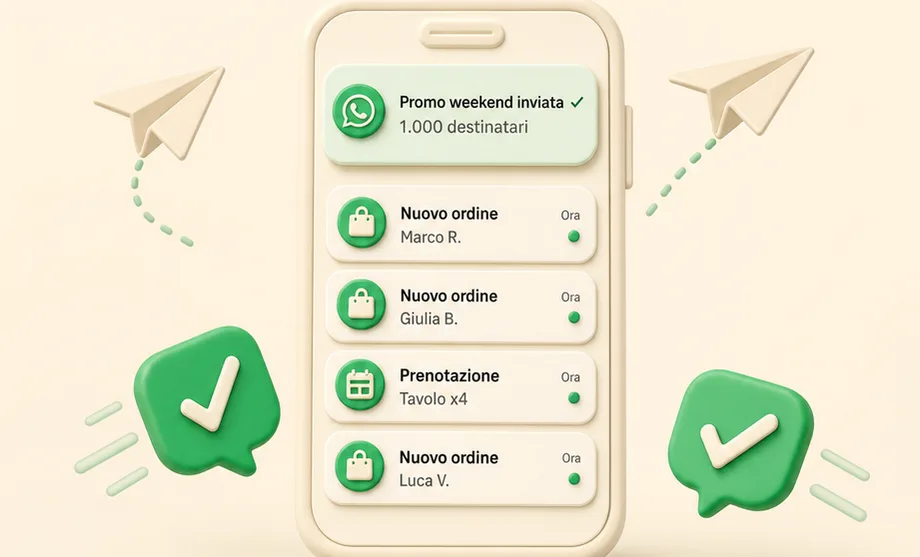
Every campaign, a clear report
Delivered, read and replies in real time: you know what works. And when customers reply, the AI answers for you 24/7.
Four numbers, all checkable
None of these is an estimate: they come from the price list and from the channels that work today.
8
live channels
One inbox for all of them
7
day trial
No credit card
€19
per month
Professional plan
€0
markup
Messages are billed by Meta at Meta’s price
The channels, all in one place
Eight, live today. One setup: the AI and the team work across all of them.
WhatsApp
Official Meta APIs, approved templates
Instagram
DMs and story replies
Messenger
Your Facebook pages
Telegram
Bots and conversations
Email
Inbound and outbound
SMS
Where there’s no internet
Widget
The chat on your site
Voice
The AI answers the phone
Frequently asked questions
Start your WhatsApp marketing today
Free sign-up, no credit card. You create your first campaign in 60 seconds.
Try it free